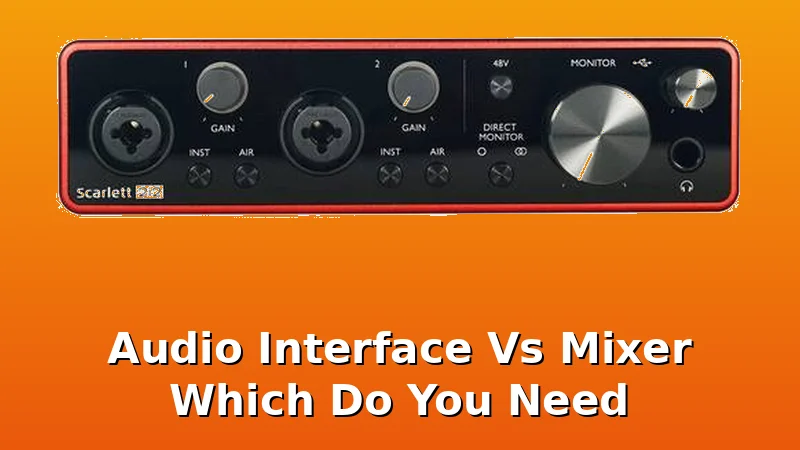
Well, the mixer industry would love you to believe you can't live without one. All those knobs, all those channels, it looks like the cockpit of a small plane. But I've been recording for ten years, and I've filled a drawer in my desk with dead interfaces.
I've also got a 65-pound lab mix named Gus sleeping on my cable bin as I type this, and he's stepped on more USB cables than I care to count.
So when a client asks me, "Audio interface vs mixer, which do you need?" I don't point at the shiny hardware.
I ask them what they're actually trying to record.
Here's the blunt truth after a decade of living with this gear: you don't need a mixer. Ninety percent of you need a simple audio interface. The mixer is for a specific kind of person, and if you're reading this, it's probably not you.
I've owned the ~$99 interfaces that crackle, the budget kings that die in a year, and the mid-range workhorses.
The mixer is a different beast entirely, and it usually ends up as a very expensive paperweight.
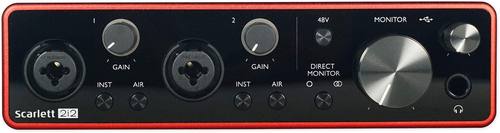
Focusrite Scarlett 2i2
The Focusrite Scarlett is the default recommendation for a reason.
It's not exciting. It's a tool, not a toy.
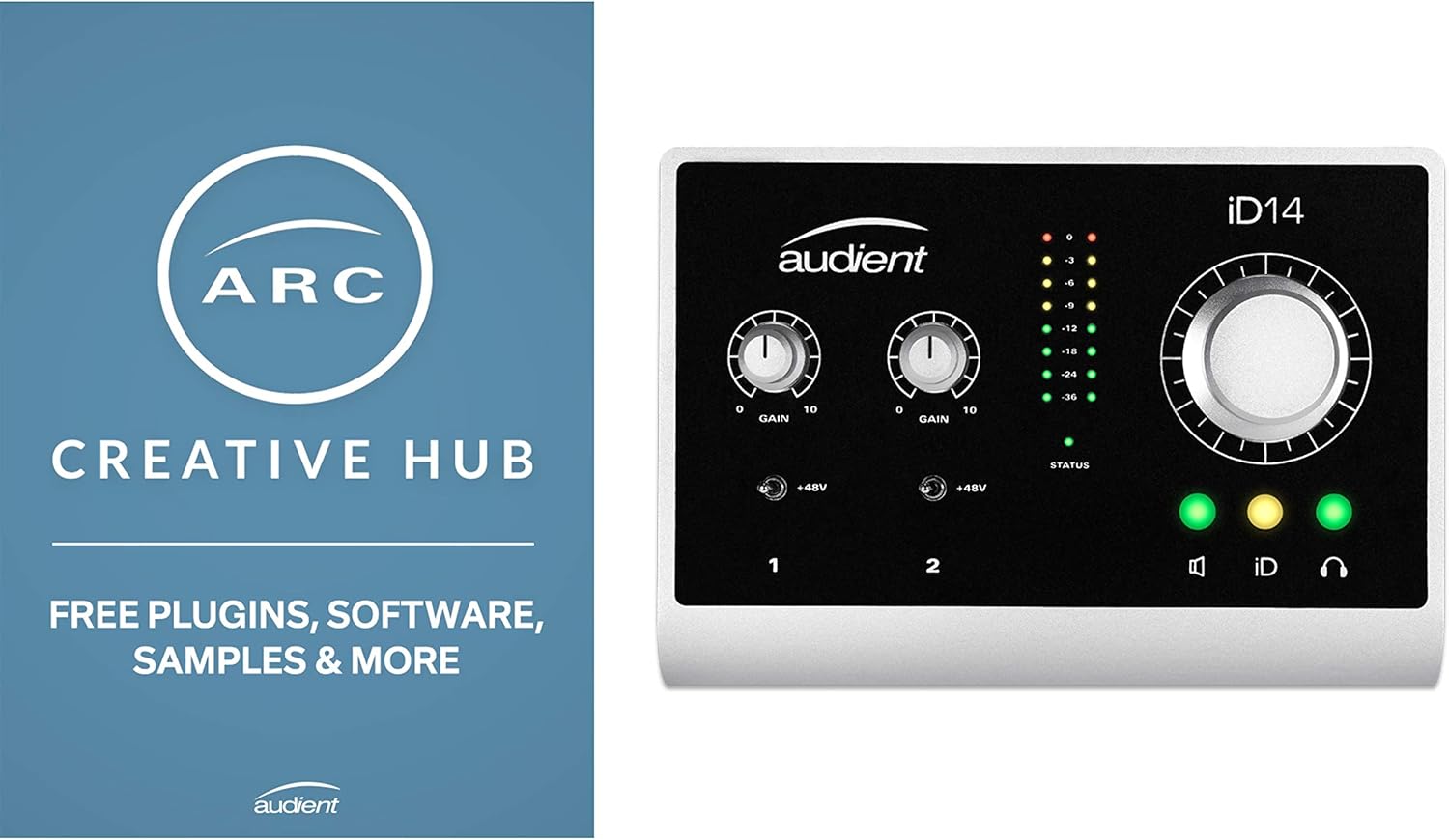
Audient iD14
If you're a guitarist, this is the one I'd save up for.
The software is clunky, and you'll only touch it once.
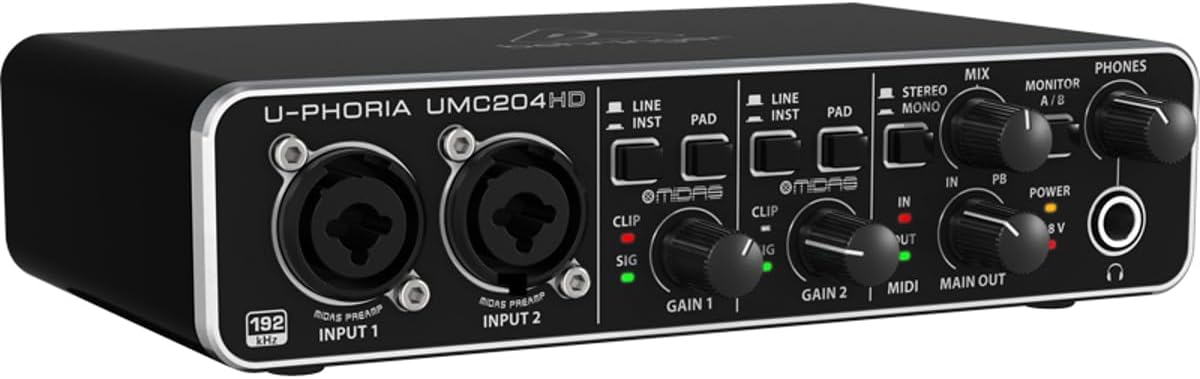
Behringer UMC204HD
This is the cheap one that actually works. At ~$119, it costs less than a...
Plastic build, wobbly knobs. It feels like a toy, but it isn't.
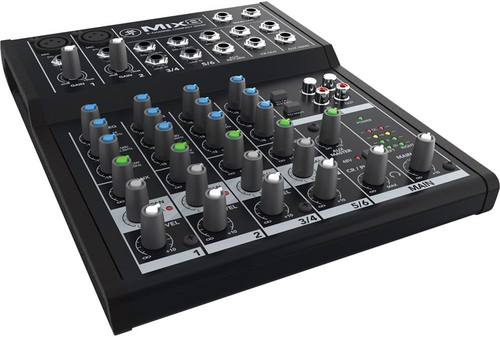
Mackie Mixer
I had to include a mixer, because that's the question, right?
The converters are old, the preamps are hissy, and it doesn't talk to your computer without extra gear.
Prices and availability were captured from Amazon Creators API and may change.
How I tested
I don't test by reading spec sheets. I test by tracking sessions. That means 40+ hours of recording, gain staging against a real ribbon mic, and latency checks on a 2019 laptop that's seen better days.
I've made every beginner mistake, so I know what you're about to do wrong. I bought the Focusrite Solo when I needed two inputs, and I returned it a month later.
I've also watched clients show up with a mixer and a laptop, thinking they were ready to podcast, only to realize they didn't have a way to get the audio into the computer.
That's the mixer problem.
The mixer problem, explained
A mixer takes multiple audio sources, blends them, and sends them to speakers. That's it. It doesn't record. It doesn't talk to your computer unless it has a USB port, and even then, most budget mixers only send a stereo mix, not individual tracks.
So if you're recording a podcast with two hosts, a mixer will blend you both into one track. That means you can't edit out the part where your guest sneezes without cutting out your own voice too.
An interface with two inputs records you both on separate tracks. That's the difference between sounding like a pro and sounding like a mess.
Focusrite Scarlett 2i2
The Focusrite Scarlett is the default recommendation for a reason. It just works. No driver hell, decent preamps for the price. But let's talk about the flaw first, because that's what you'll actually feel.
The 3rd Gen has been around for years, and the complaints are real. Same drivers for years. The 3rd gen has the same issues as the 2nd.
But here's the thing, I've owned the 2nd Gen, and I currently run a 4th Gen Solo with an SM7B. The 4th Gen is a genuine step up.
The gain is actually usable, and the build feels more solid. I still need my Cloudlifter for the SM7B, which annoys me, but that's a mic problem, not an interface problem.
Visit on Amazon →
The 2i2, specifically, is the one I recommend to everyone who thinks they need one input. I bought the Solo because I thought one was enough. A month later I was returning it for a 2i2. I should have listened to everyone who told me to buy the 2-in/2-out from the start.
At ~$169, it's the safest money you'll spend. The preamps are clean enough for vocals and acoustic guitar.
The headphone amp is decent, not great, but decent. You won't be in latency hell if you're just tracking.
It's the answer to the mixer question, because it's not a mixer. It's a simple box that makes your mic sound good.
Audient iD14
If you're a guitarist, this is the one I'd save up for. The Audient iD14 has the cleanest preamps under ~$300, and the DI is incredible. I've tracked electric guitar through it, and it sounds like the amp is in the room.
The build is solid, metal case, built like a brick shithouse. The flaw? The software is clunky. You'll open it once to set up your monitor mix, and then you'll never touch it again.
That's fine. I'd rather have clunky software and clean preamps than pretty software and hissy preamps.
Visit on Amazon →
The one thing that bugs me is the price. At ~$199, it's ~$30 more than the Scarlett. Is it ~$30 better? For vocals and acoustic, probably not. For electric guitar, absolutely. The DI is that good. I've recorded full bands with it, and the noise floor is impressively low. You'll hear it in the tail of a reverb. The Scarlett has a slight hiss at high gain. The Audient doesn't. That's the difference.
Behringer UMC204HD
This is the cheap one that actually works. At ~$119, it costs less than a pizza and a six-pack. The build is plastic, and the knobs feel wobbly, but it won't fail you. I've recommended it to people who aren't sure they'll stick with recording.
If it dies in a year, you got your money's worth. The Scarlett Solo at ~$120 needs to last four years to match that.
The preamps are fine, not great, but fine. You won't need a Cloudlifter for a ribbon mic, which is more than I can say for some interfaces that cost three times as much.
Visit on Amazon →
The flaw is that it feels cheap. You'll turn a knob and wonder if it's going to snap off. It won't, but it feels like it might. And the drivers on Windows can be a bit of a gamble. It's driver roulette with budget interfaces on Windows.
On a Mac, it's fine. But if you're just starting out and you're not sure this hobby is for you, this is the one to buy.
If you stick with it, you'll upgrade in a year. If you don't, you're out ~$119, not ~$400.
Mackie Mixer
I had to include a mixer, because that's the question, right? The Mackie Mixer is a classic. I've seen it in a hundred garage bands and a thousand church basements. It has real faders, real knobs, and it's fun to touch.
But as an interface, it's outdated. The converters are old, and the preamps are hissy at high gain. You'll also need extra cables to get the audio into your computer, because most mixers don't have a dedicated USB output that records individual tracks.
You'll be stuck with a stereo mix, which is fine for a live show but useless for editing.
Visit on Amazon →
I've watched clients bring one of these to a podcast session, and they're always confused when I tell them they can't record two separate tracks. The mixer is for live sound. The interface is for recording.
If you're playing gigs, get a mixer. If you're recording, get an interface. It's that simple. I don't track prices day to day, so I won't pretend to know next week's, but this one is usually ~$99.
You're paying for the faders and the brand, not the sound quality.
The hybrid option
There are hybrid units that try to do both. The ones under ~$500 usually fail at both. They have weak preamps, limited routing, and drivers that make you want to throw them out a window. I've borrowed a few, and I've never been impressed. If you need a mixer for live sound and an interface for recording, buy them separately. You'll get better quality for the same money.
Decision guidance
Choose the Focusrite Scarlett 2i2 if you're recording vocals, acoustic guitar, or podcasts. It just works, and you won't have to think about it. Choose the Audient iD14 if you're recording electric guitar or you're upgrading from a Scarlett and you want cleaner preamps.
Choose the Behringer if you're not sure you'll stick with recording and you want to spend as little as possible.
Skip the mixer entirely unless you're playing live shows.
The bottom line
You need an audio interface, not a mixer. I've lived with both, and the mixer is a solution to a problem you don't have. Buy the Focusrite Scarlett 2i2, or the Audient iD14 if you're a guitarist. Spend the money you saved on a better mic. That's where the sound actually comes from. I've made every beginner mistake so you don't have to. Don't make the mixer mistake. It's a waste of money and time.