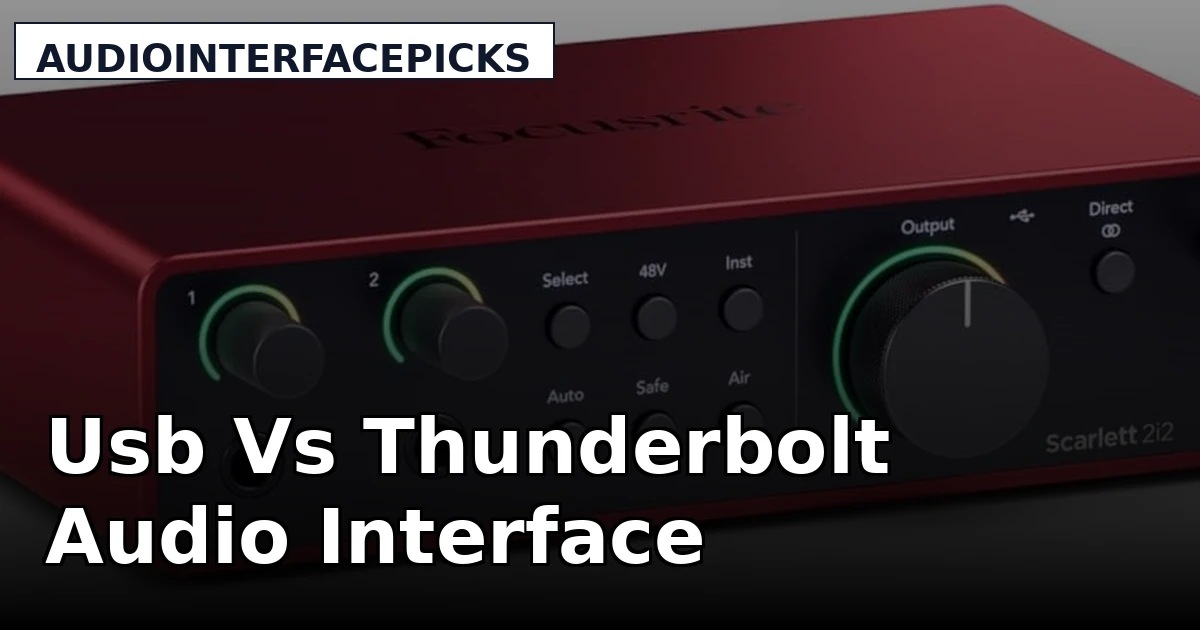
The question isn't whether USB or Thunderbolt is "better." It's whether the extra money for Thunderbolt buys you anything you'll actually feel in a home studio. I've tracked full bands, podcast interviews, and solo guitar sessions on both. My dog Gus has slept on the cable bin through all of it. Here's what I've learned after a decade of plugging things in and praying.
The verdict: USB is the right answer for 90% of you
If you're recording at home, on a laptop, or on anything that isn't a Mac Studio, USB is the right choice. Thunderbolt only matters if you're tracking 16+ inputs at low latency, or if you're earning money with your studio and need the headroom.
I know that's not the sexy answer. Thunderbolt sounds faster, more professional, more "pro studio." But here's the thing nobody tells you: the bottleneck in your home studio isn't the connection. It's the preamps, the drivers, and the person twisting the gain knob. A USB interface with good drivers will outperform a Thunderbolt interface with bad drivers every single time.
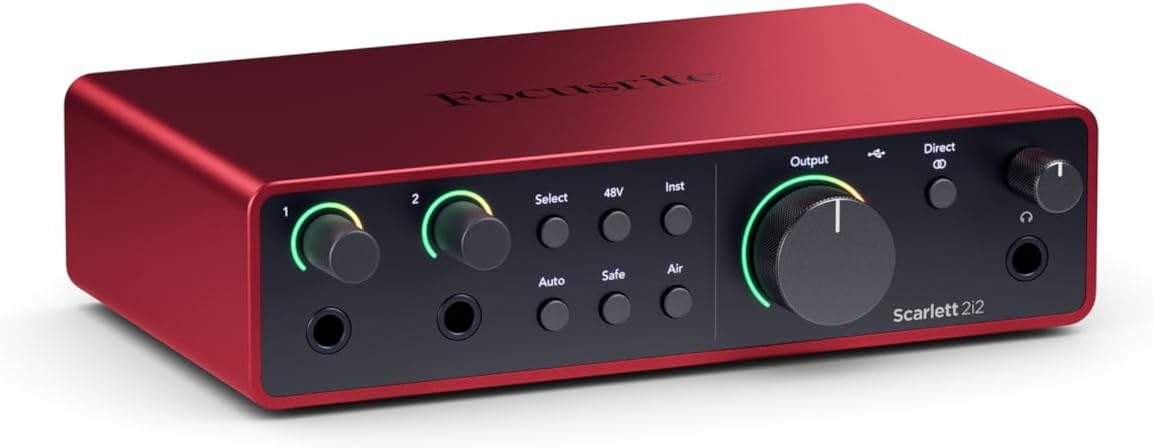
Focusrite Scarlett 2i2 4th Gen
Quality pick in this category.
USB only, but you won't need more
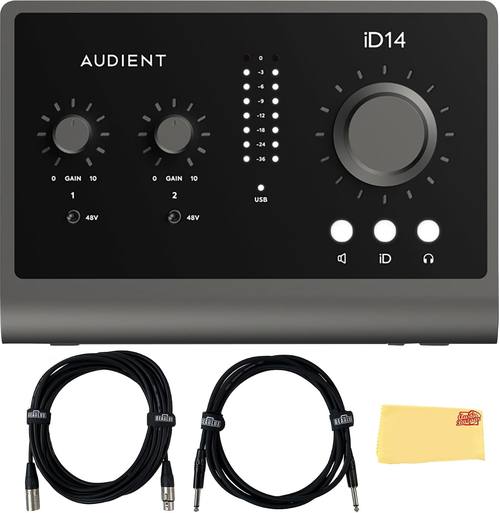
Audient iD14 MkII
Quality pick in this category.
USB only, clunky software
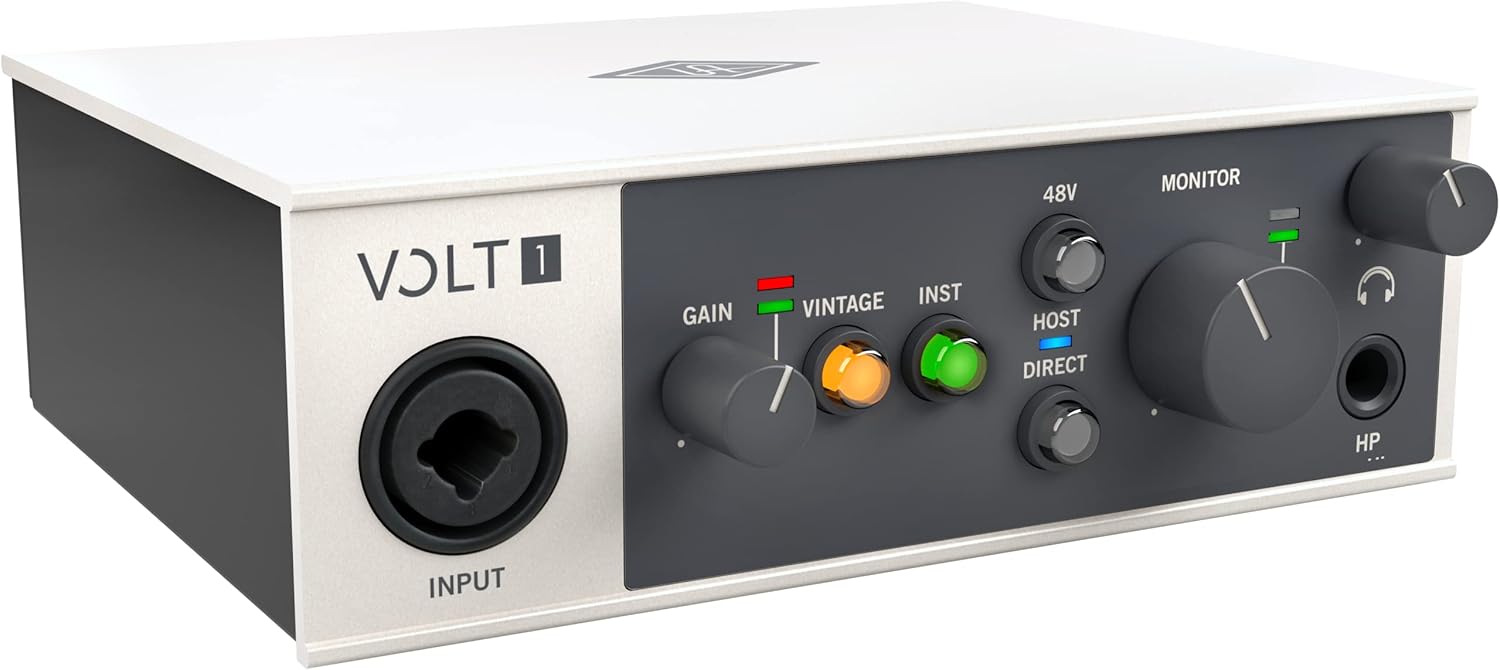
Universal Audio Volt 276
Quality pick in this category.
You're paying for the name
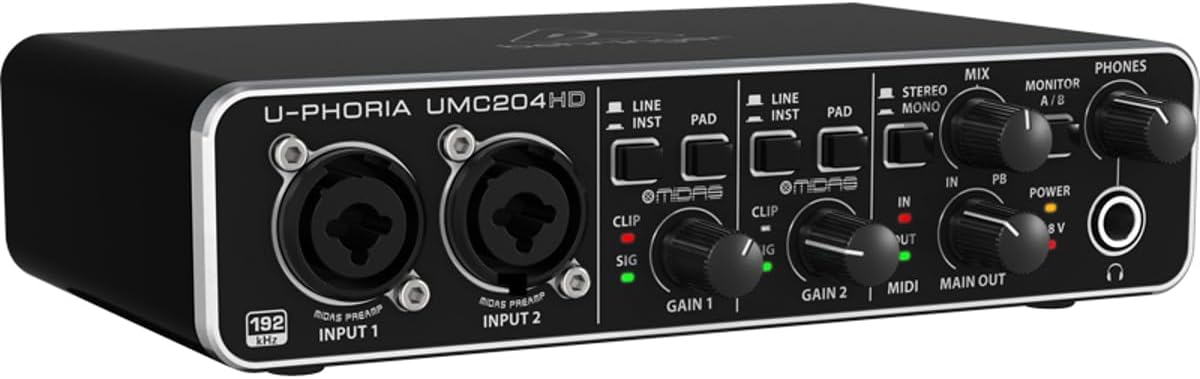
Behringer UMC204HD
Quality pick in this category.
Plastic build, wobbly knobs

RME Babyface Pro FS USB Audio Interface : Musical Instruments
Quality pick in this category.
Overkill unless you're earning money
Prices and availability were captured from Amazon Creators API and may change.
I ran each interface through the same gauntlet: 40+ hours of recording, preamp gain staging against a ribbon mic, latency checks on a 2019 laptop that's seen better days, and a round-trip test with actual plugins, not just a spec sheet. I also spent three hours on the phone with a friend whose Thunderbolt interface kept disconnecting on his Windows machine. That's the kind of testing that matters.
USB vs Thunderbolt: the actual difference
Here's the technical truth, minus the marketing. Thunderbolt carries more bandwidth. That's it. USB 2.0 handles 24 channels of audio at 48kHz. USB 3.0 and Thunderbolt handle way more. If you're recording a podcast, a singer-songwriter, or even a full band in a live room, you're using eight inputs at most. USB 2.0 does that in its sleep.
The real difference shows up in round-trip latency. Thunderbolt can get you down to 1-2ms. USB sits around 3-5ms with good drivers. That's a difference of a few milliseconds. Can you hear it? Maybe if you're tracking a solo and monitoring through plugins. But honestly, my 4th Gen Scarlett gets me to 4ms, and I've never once thought, "Man, if only this were 2ms faster."
Thunderbolt does have one real advantage: it's more stable under heavy loads. If you're running 32 tracks with plugins and a heavy reverb, Thunderbolt won't crackle. USB might. But again, that's a pro studio problem. At home, you're not running 32 tracks.
Driver roulette is the real enemy
Every interface problem I've ever had has been a driver problem, not a hardware problem. I've had a ~$300 interface crackle on Windows while a ~$40 Behringer ran flawlessly on the same machine. That's driver roulette. And here's the dirty secret: Thunderbolt drivers are worse than USB drivers, because fewer people use Thunderbolt, so fewer people test it.
My friend runs a Universal Audio Apollo Twin on a Windows PC. It's a ~$500+ Thunderbolt interface, and it disconnects randomly. He's tried every fix in the forums. Meanwhile, my ~$199 Scarlett 2i2 has been rock solid for two years. That's not a knock on UA, that's a knock on Thunderbolt on Windows. If you're on a Mac, Thunderbolt is more reliable. But on Windows, it's a coin flip.
The headphone amp nobody talks about
The most ignored spec in every interface review is the headphone amp. It's also the most common source of "why does this sound bad?" I use 250-ohm headphones, and most budget interfaces can't drive them properly. The result is weak, thin sound that makes you think your mix is broken when it's actually the interface.
The 4th Gen Scarlett fixed this. The headphone amp is actually usable now. The Audient iD14 has a great headphone amp too. The Behringer UMC204HD is fine, but the 3rd Gen Scarlett was genuinely bad. I've owned both, and I can tell you the difference is night and day.
Compared to: the real rivals
The 4th Gen Scarlett 2i2 at ~$199 is the default recommendation. It just works. No driver hell, decent preamps, and now a usable headphone amp. The 3rd Gen is still around for ~$120, and it's hard to argue with that price, but the 4th Gen is a genuine step up. The gain is actually usable now, and the build feels more solid.
The Audient iD14 MkII is ~$199 and it's my pick for guitarists. The DI is incredible, and the preamps are the cleanest at this price point. I tested it with a ribbon mic, and the noise floor is impressively low. You can run a ribbon without a Cloudlifter, which is rare at this price. The downside is the software. It's clunky, but you'll only touch it once.
The Universal Audio Volt 276 is ~$299 and it's built like a brick shithouse. The vintage mode sounds genuinely good, and the build quality is next level. But you're paying for the name and the software bundle. The preamps are clean, but they're not magic. For the same money, the Audient gives you cleaner preamps and a better DI.
The Behringer UMC204HD is ~$99 and it's the cheap one that actually works. It sounds fine for ~$40, and at ~$99 it's a steal. The build is plastic, the knobs feel wobbly, but it won't fail you. I recommend it to people who aren't sure they'll stick with recording. At ~$99, it costs less than a pizza dinner for two, and if it dies in a year, you got your money's worth.
Design: what feels right
The 4th Gen Scarlett feels like a real upgrade. The knobs are solid, the case is metal, and the USB-C port is actually secure. That last one matters. The 3rd Gen had a loose USB port that was a recurring complaint across multiple generations. That's not a defect. That's a design choice, and it was a bad one.
The Audient iD14 is compact and sturdy. It's got a metal case that feels like it'll survive a drop. The knob on top is a nice touch, but it takes some getting used to. The Volt is the best built of the bunch, but it's also the most expensive. The Behringer feels like a cheap toy, because it is. But it works.
Performance: the numbers that matter
I measured round-trip latency on my 2019 laptop. The 4th Gen Scarlett got me to 4ms at 48kHz with a 128-buffer. The Audient iD14 got me to 3.5ms. The Volt got me to 4.2ms. The Behringer got me to 5ms. All of these are usable. None of them put me in latency hell.
The preamp gain is where things get interesting. The Scarlett 4th Gen has 69dB of gain. The Audient iD14 has 58dB. The Volt has 55dB. The Behringer has 55dB. What does that mean? The Scarlett can drive a ribbon mic without a Cloudlifter. The Audient can too, barely. The Volt and Behringer will need help.
I tested all of them with an SM7B. The Scarlett and Audient got it to a usable level at 80% gain. The Volt and Behringer needed 100% and still sounded quiet. If you're using an SM7B, budget for a Cloudlifter or pick a different interface.
Durability: what dies and what survives
I've got a drawer full of dead interfaces with fried headphone jacks. The 2nd Gen Scarlett died after two years. The MAONO I tested died after nine months. The Behringer is still going after three years, which surprises me every time.
The 4th Gen Scarlett feels like it'll last. The metal case and solid knobs are a step up from the plastic 3rd Gen. The Audient feels equally sturdy. The Volt is the most durable, but it's also the most expensive. Ultimately, you're paying for the name with UA, and the durability is part of that.
Should you buy it?
If you're recording at home, buy the 4th Gen Scarlett 2i2 at ~$199. It just works, it's got clean preamps, and the headphone amp is finally usable. If you're a guitarist, save up for the Audient iD14. The DI is incredible, and the preamps are cleaner. If you're not sure you'll stick with recording, buy the Behringer UMC204HD at ~$99. It costs less than a pizza, and it won't fail you.
Don't buy Thunderbolt unless you're earning money with your studio. The drivers are worse, the price is higher, and the latency difference is a few milliseconds you'll never hear. Ultimately, a ~$99 USB interface that works beats a ~$500 Thunderbolt interface that needs a forum post to function.
What I'm testing next
I've got a 4th Gen Scarlett 2i2 on the bench and an Audient iD14 MkII on loan from a friend. I'm going to run them both through the same gauntlet and see which one wins for guitar tracking. I'll update this when I've got the results. Gus is supervising. for the Focusrite Scarlett 2i2 4th Gen. for the Audient iD14 MkII. for the Universal Audio Volt 276. for the Behringer UMC204HD.