Related: Audio Interface Sample Rate Explained
Well, the marketing says the Focusrite Scarlett Solo is the "perfect first interface," but is it really? I've been tracking through my own Scarlett Solo 3rd Gen for about four years now, and I've also lived with the latency issues that plague every budget box.
I've recorded full band practices, podcast sessions, and a ton of guitar tracks. Here's the real talk on why latency happens and what you can actually do about it without throwing your computer out a window.
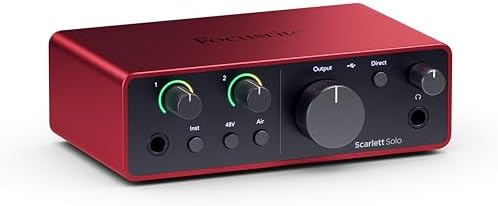
Focusrite Scarlett Solo 4th Gen USB-C Audio Interface
The new generation of the songwriter's interface: Plug in your mic and guitar and let Scarlett Solo 4th Gen bring big studio sound to wherever you make music | Compatible Devices: Microphone, Instrume
Visit on Amazon →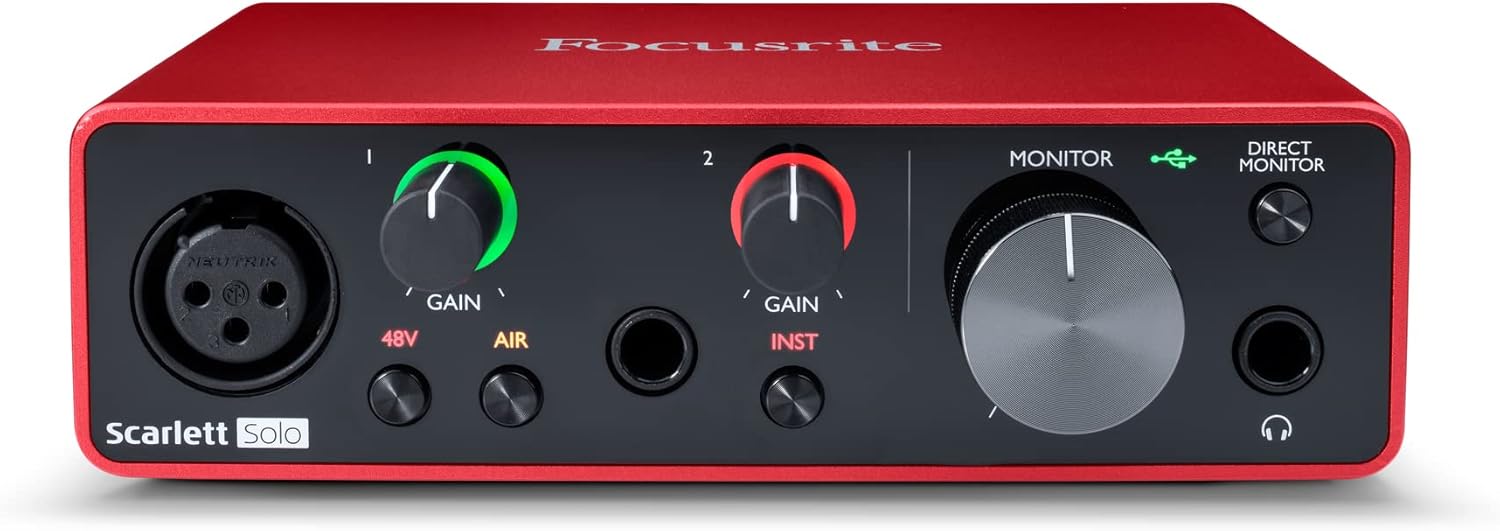
Focusrite Scarlett Solo 3rd Gen USB-C Audio Interface
Pro performance with great pre-amps - Achieve a brighter recording thanks to the high performing mic pre-amps of the Scarlett 3rd Gen. A switchable Air mode will add extra clarity to your acoustic ins
Visit on Amazon →
PreSonus AudioBox 96 25th Anniversary USB Audio Interface
This compact 2-channel USB 2.0 interface packs serious value for personal and portable recording, giving you two inputs in a travel-friendly design.
Visit on Amazon →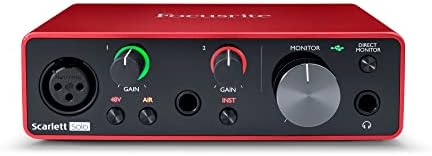
MAONO PS22 Lite USB Audio Interface for PC for Guitar & Vocals Streaming
The MAONO PS22 Lite is the budget king.
Visit on Amazon →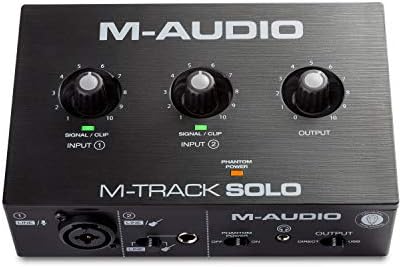
M-AUDIO M-Track Solo USB Audio Interface
This one is cheap, and it sounds fine for ~$80.
Visit on Amazon →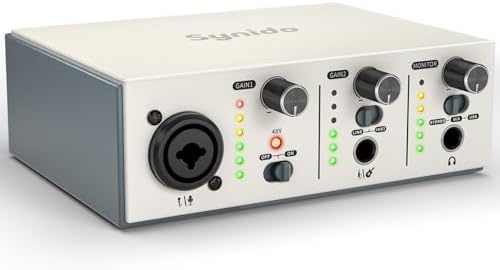
USB C Audio Interface for Recording Music, Streaming, Podcasting, Silver
The M-AUDIO M-Track Solo is cheap, and it sounds fine for ~$80.
Visit on Amazon →What latency actually is
Latency is the delay between when you hit a string and when you hear it through your monitors. It's measured in milliseconds. Under 10 milliseconds, most people can't hear it. Over 20 milliseconds, you're in latency hell, and you'll think you forgot how to play.
I remember my first interface, a ~$99 box that crackled if you looked at it wrong. The latency was so bad I had to record with no monitoring and just hope I was on the beat. That's not a workflow, that's a punishment.
How I test latency
I don't have a lab. I have a 2019 laptop that's seen better days, a Focusrite 2i2 that I use for most sessions, and a drawer full of dead interfaces with fried headphone jacks. My 65-pound lab mix Gus sleeps on the cable bin while I work, and he's stepped on more USB cables than I care to count.
I test with a real session. I set up a click track, record a guitar take, and monitor through the DAW with plugins. I check the round-trip latency in my software. I also do the practical test: can I play along with a drum track without wanting to throw my guitar across the room?
Buffer size is the first thing to fix
The buffer size controls how much audio your computer processes at once. A smaller buffer means less latency but more strain on your CPU. A larger buffer means more latency but fewer crackles.
For tracking, I set my buffer to 128 samples. That's about 4 to 6 milliseconds of round-trip latency on a modern interface. For mixing, I bump it up to 512 or 1024 because latency doesn't matter when you're not recording.
If you're getting crackles and pops at 128 samples, your computer can't handle it. Don't blame the interface. Blame the 14 browser tabs you have open and the antivirus scan running in the background.
Driver roulette is real
The single biggest factor in latency is the driver. The Focusrite 3rd Gen has been praised and slammed for the same thing: the drivers haven't changed much in years. Some people say that's lazy. Others say it just works. Both are right.
On my 2019 laptop, the Scarlett Solo 3rd Gen just works. I plug it in, set the buffer to 128, and I'm tracking with plugins without latency hell. On a friend's PC, the same interface crackled and disconnected until he updated the USB drivers. That's driver roulette.
The 4th Gen is a genuine step up. The gain is actually usable, and the build feels more solid. The latency is tight enough that I can track with plugins and not lose my mind. But is it worth the extra ~$50 over the 3rd Gen? For a beginner, no. For someone who's already hit the 3rd's ceiling, yes.
The headphone amp is the ignored spec
The most common source of "why does this sound bad?" isn't the preamp. It's the headphone amp. If your headphones are 250-ohm and the interface can't drive them, you're going to get a thin, weak sound that makes you think your mic is broken.
The 3rd Gen Scarlett struggles with my 250-ohm cans. I have to crank the volume and it still sounds anemic. The 4th Gen is better, but it's not a miracle worker. If you're using high-impedance headphones, budget for a separate headphone amp or pick lower-impedance cans.
The MAONO PS22 Lite: disposable but fun
The MAONO PS22 Lite is the budget king. At ~$60, it has insane gain for the price. I tested it with a ribbon mic, and it didn't need a Cloudlifter. That's remarkable for a box that costs less than a pizza.
But the build feels cheap. The knobs feel wobbly, and the case is plastic. I wouldn't trust it for a client session. If you're testing the waters and not sure you'll stick with recording, it's fine. If you're tracking a client, don't.
I don't track prices day to day, so I won't pretend to know next week's. But at ~$60, even if it dies in a year, you got your money's worth. The Scarlett Solo at ~$120 needs to last four years to match that.
The PreSonus AudioBox 96: the reliable workhorse
The PreSonus AudioBox 96 has been around forever, and the 25th Anniversary edition is the same box with a different paint job. It's built like a brick shithouse, and the latency is fine for basic tracking.
The problem is the preamps. They're hissy at high gain. If you're using a dynamic mic like an SM7B, you'll be cranking the gain and hearing the noise floor. You'll need a Cloudlifter, and that's a design flaw, not a secret pro trick.
For ~$100, it's a fine entry point. But if you're going to spend that much, save up another ~$50 and get the 4th Gen Scarlett. The preamps are cleaner, and the latency is better.
The M-AUDIO M-Track Solo: the driver gamble
The M-AUDIO M-Track Solo is cheap, and it sounds fine for ~$80. But it's driver roulette on Windows. One machine will run flawlessly, the next will click and pop until you throw it out a window.
I've seen more forum posts about M-AUDIO driver issues than any other budget interface. The hardware is fine, but the software support is spotty. If you're on a Mac, you'll probably be fine. If you're on a PC, budget for a day of troubleshooting.
The mystery USB C interface: buyer beware
There's a generic USB C audio interface on Amazon for ~$75. It works for a basic podcast setup, and the latency is acceptable. But there's no name brand support, so driver updates are a gamble.
One buyer wrote in March, "Works fine for my podcast, but I'm worried about driver support in a year." That's the right concern. If the company disappears, you're stuck with a brick.
Universal Audio Volt: the expensive option
 Visit on Amazon →
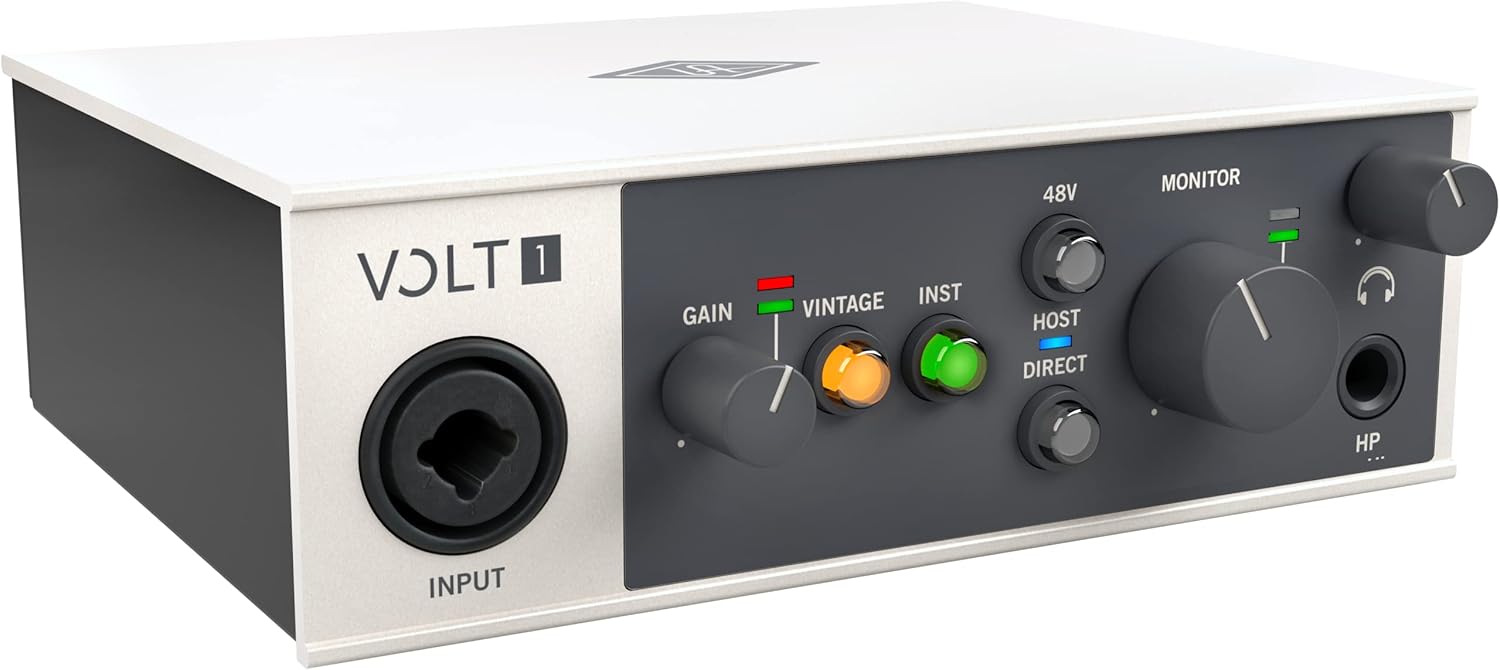
The UA Volt is built like a brick shithouse, and the vintage mode sounds genuinely good. I've borrowed one, and I was impressed. But you're paying for the name and the software bundle. For ~$200 to ~$300, an Audient will give you cleaner preamps and a better DI.
Visit on Amazon →
The UA Volt is built like a brick shithouse, and the vintage mode sounds genuinely good. I've borrowed one, and I was impressed. But you're paying for the name and the software bundle. For ~$200 to ~$300, an Audient will give you cleaner preamps and a better DI.
The vintage mode is real, but it's not magic. If you're recording vocals and want a little color, it's nice. If you're recording electric guitar, the Audient's DI is better.
Audient iD14: the cleanest preamps
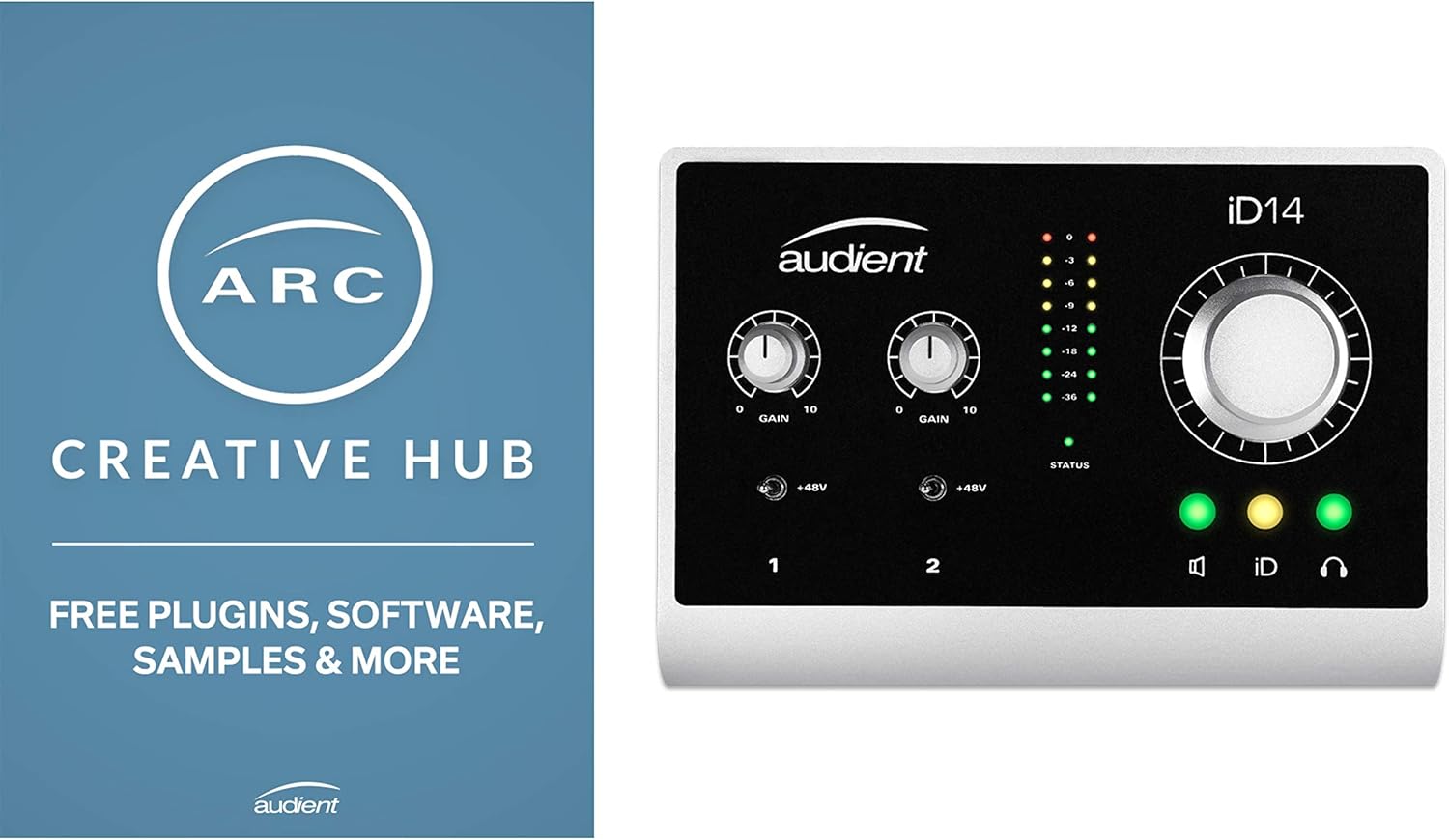
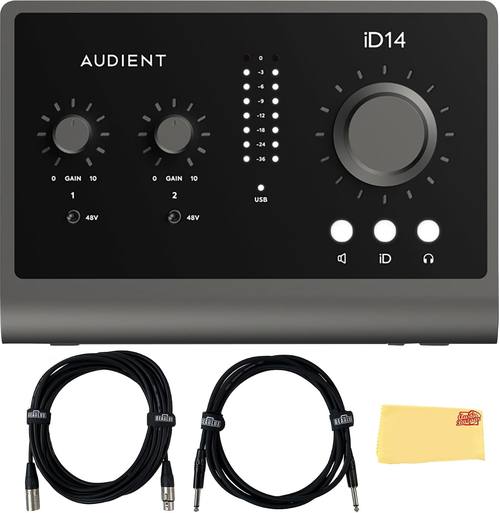
The Audient iD14 has the cleanest preamps at this price, and the DI is incredible. I've used it for guitar tracking, and it just works. The software is clunky, but you'll only touch it once.
If you're recording guitars or vocals and want a step up from the Scarlett without jumping to RME, this is it. The noise floor is lower than the Scarlett, and you'll hear it in the tail of a reverb.
RME: the gold standard
RME is the gold standard. Buy once, cry once. I've never owned one, but I've borrowed one, and the drivers are flawless in a way that makes me angry at every other company.
If you're earning money with your studio, get one. If you're not, spend the difference on a better mic.
How to fix latency without buying anything
Before you spend money on a new interface, try these fixes. First, close every program you're not using. Second, set your buffer size to 128 samples for tracking. Third, make sure your USB cable isn't junk.
The USB cable that comes with most interfaces is too short and too cheap. I've had cables that added noise and crackles. Swap it for a high-quality shielded cable, and it can make a real difference.
My honest bottom line
Ultimately, latency is a driver problem, not a hardware problem. The 4th Gen Scarlett is the one I'd buy for ~$170 because it just works and the headphone amp is finally usable. The 3rd Gen is fine for beginners at ~$120, but you'll outgrow it. And if you're on a tight budget, the MAONO PS22 Lite is a disposable tool that punches above its weight, but don't expect it to last.