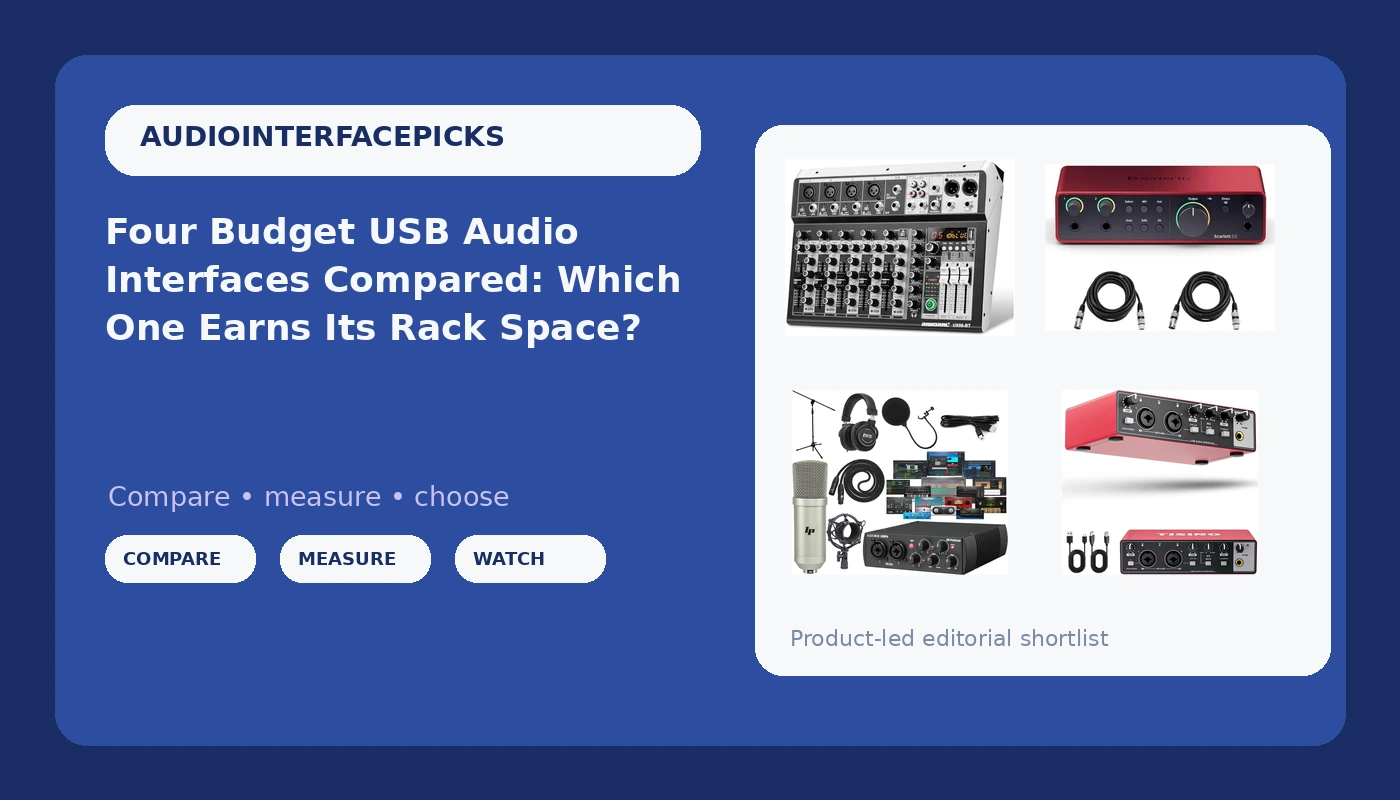
A budget USB audio interface comparison gets messy fast, because the four boxes below are not competing for the same job. Two of them are traditional two-in, two-out recording interfaces. One is a console-shaped mixer with faders, Bluetooth playback and onboard reverb. One is a stripped-down single-purpose box for the person who just needs a clean input into a laptop. Sort that pile by price alone and you end up with hardware that fights your workflow for two years.
I have been tracking bands and podcasts out of a small Nashville studio for about a decade, and I have watched the entry level get genuinely good. What separates these four is not the converter chip on the marketing sheet. It is whether the drivers behave on reboot, whether the preamp stays clean when you push it, whether the headphone amp survives a 250-ohm pair of cans, and whether the thing in the box is the thing you actually needed to buy.
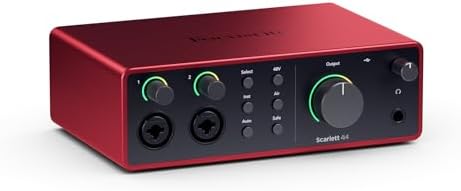
The best pick for most people here is the Focusrite Scarlett 2i2 4th Gen bundle, because it does the boring job perfectly: two clean inputs, two outputs, and a driver story so predictable you forget the interface exists. That is the highest compliment I can give a piece of studio gear. The other three win on different terms, and for one specific buyer each of them is the smarter purchase.
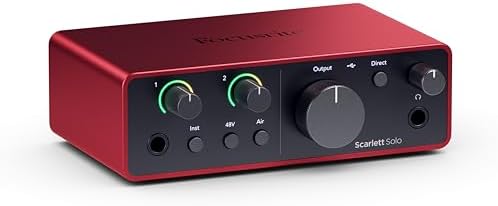
Focusrite Scarlett 2i2 4th Gen 2x2 USB Audio Interface Bundle with 2 H&A 6' XLR Cables
The most predictable driver behavior in this price band, plus the two XLR cables beginners always forget to order
Nothing exotic: no faders, no onboard effects, no bundled microphone
PreSonus AudioBox 96 25th Anniversary USB Audio MIDI Interface Recording Bundle with Studio One Artist DAW Cardioid Condenser Microphone Shockmount Pop Filter XLR Cable Mic Stand and Headphones
The only box here that gets you recording the day it lands: mic, stand, shockmount, pop filter, cable, headphones and a DAW license included
You pay for the whole bundle, and if you already own a mic and headphones you are buying duplicates
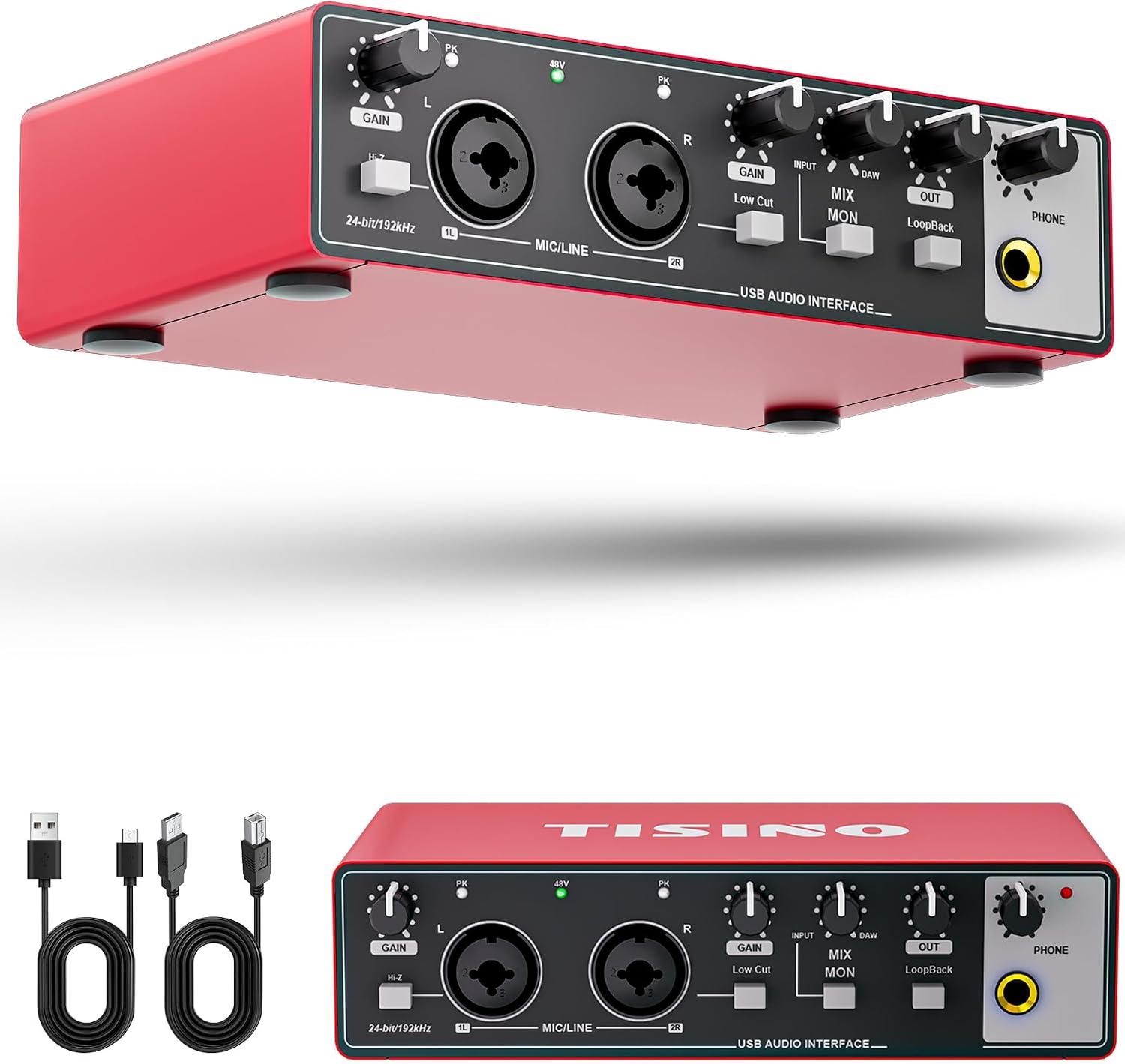
Tisino 24Bit/192kHz USB Audio Interface for Studio Recording, Red
The cheapest route to a second input or a travel rig, with 24-bit/192 kHz conversion in a small red chassis
No bundle, no long track record on driver support next to the big brands, and a narrow feature set
6 Channel Audio Interface Sound Board Mixing Console 16-Bit DSP DJ Mixer Audio Reverb Effect +48V Phantom Bluetooth Studio Audio Mixer For Karaoke Studio Streaming Recording
Faders, Bluetooth playback, +48V phantom power and onboard reverb in one console-shaped unit
16-bit DSP conversion and a mixer workflow that does not map cleanly onto a DAW session
Prices and availability were captured from Amazon Creators API and may change.
How I judge an interface at this price
The preamp is the interface. Two boxes with identical converter specs can sound completely different at gain three o'clock, and the cheap ones usually fail in the same place: they get thin and glassy before they get loud. So the first question I ask is whether the input stays clean when a dynamic mic or a ribbon needs real gain.
The second question is drivers. Latency is a driver story more than a chip story, and a great converter with lazy drivers is a paperweight. I want a round-trip that stays under 10 ms on a mid-range laptop with a couple of plugins loaded, and I want settings that survive a reboot instead of resetting every time the machine sleeps.
Third, the headphone amp. It gets ignored until it clips, and then it becomes the most important spec on the box. If you monitor on high-impedance cans, a weak output stage will tell you immediately.
Fourth, phantom power. USB bus power is fine until it is not, and a hungry condenser on a flaky laptop port is a gamble. If your interface needs a separate supply to feed 48 volts reliably, that is a real cost, not a footnote.
I am judging these four on what they are built to do and the reputation their lines have earned, not on invented lab numbers. Anyone quoting you a precise preamp measurement on a box in this bracket without showing the test rig is selling something.
Focusrite Scarlett 2i2 4th Gen bundle: the default that stays the default
The Scarlett 2i2 is still the best first interface, and the reason is unglamorous. The drivers are boring, which is the highest compliment I can pay a piece of gear. You install it, you set the buffer, and you stop thinking about it. In a category where half the complaints online are about dropouts and reset settings, boring is a feature.
This bundle adds two six-foot XLR cables, which sounds like a throw-in until you remember that the most common first-session failure is a person with a microphone, an interface and no way to connect them. Two ins and two outs covers a solo vocalist, a guitarist who sings, a two-person podcast, or a single stereo keyboard. It does not cover a drum kit, and it was never meant to.
What you give up is character. There are no faders, no onboard reverb, no bundled microphone, no MIDI ports. If you want to shape a sound before it hits the DAW, this box will not do it. What it will do is stay out of the way for a decade while you learn the parts of recording that actually matter, which is gain staging and mic placement, not the logo on the front panel.
PreSonus AudioBox 96 25th Anniversary bundle: the one-box starter kit
The AudioBox is the budget option that refuses to die. The line has a reputation for surviving things it should not survive, and the 25th Anniversary version leans into the value angle by bundling nearly everything a beginner needs: a cardioid condenser microphone, a shockmount, a pop filter, an XLR cable, a mic stand, headphones, and a Studio One Artist license alongside the interface itself.
If you own nothing, that bundle math is hard to argue with. Buying those pieces separately at the same quality level usually costs more than the kit, and the condenser mic is a perfectly reasonable first vocal microphone. The interface itself is a USB and MIDI unit, so you get a keyboard or a controller into the same box, which the Scarlett does not offer.
Two honest caveats. First, I am skeptical of anything sold with a bundled pro DAW as the headline feature, because part of what you pay goes to a license rather than to hardware. Here the hardware is the point and the DAW is a bonus, so it clears that bar. Second, if you already own a decent mic, a stand and headphones, you are paying for duplicates. Buy this one when you are starting from zero, not when you are upgrading one piece.
Tisino 24Bit/192kHz USB Audio Interface: the cheap second input
The Tisino is the wildcard of the group, and I mean that as a description, not a criticism. It is a small red box advertising 24-bit/192 kHz conversion for studio recording, which on paper is a higher sample rate ceiling than most people will ever need. Nobody records at 192 kHz for a podcast, and nobody needs to.
Where this earns a place is as a second rig. A travel interface you can throw in a bag, a backup input for a laptop session, or the cheapest way to add a clean channel to a setup that already has a main interface. If your whole job is one microphone into one laptop, it does the job for less than anything else here.
The trade-off is the unknown. Focusrite and PreSonus have spent years earning their driver reputations, and a smaller brand has not. That does not mean it will misbehave, it means you should buy it somewhere with a painless return window and test it on your own machine before you rely on it for a session that matters. Buy it as a spare or a starter, not as the centerpiece of a paid studio.
The 6-channel console: faders, Bluetooth and a different job entirely
This one is not really competing with the other three. It is a six-channel mixing console with 16-bit DSP, onboard reverb, +48V phantom power and Bluetooth, aimed at karaoke, streaming and live two-mic-plus-backing-track setups. If your sessions look like two singers, a phone playing backing tracks over Bluetooth, and a live reverb on the vocals, a two-in interface is the wrong tool and this is the right one.
The faders matter more than beginners expect. Riding a level by hand during a live stream is faster and more musical than clicking a mouse, and having reverb on the console means you can hear a usable vocal without loading a single plugin.
The catch is the 16-bit DSP conversion and the workflow. A console wants you to mix on the console. A DAW wants you to mix in the box, and routing a mixer-style unit into a session is more fiddling than plugging in a two-in interface. If you plan to record and mix in software, this is extra complexity. If you plan to perform, stream or host karaoke night, it is the only box here built for it.
The trade-offs the spec sheet hides
Bundles are a discount or a duplicate, never both. The PreSonus kit is excellent value for someone starting from nothing and wasted money for someone who already owns a mic. Run an inventory of your desk before you buy.
Phantom power over bus power is a gamble, not a spec. All four of these feed 48 volts in some fashion, but the ones that lean on a laptop port are only as reliable as that port. If you track a hungry condenser regularly, test it before a client session.
The headphone amp decides whether you enjoy the session. A weak output stage on high-impedance headphones makes everything sound small, and no amount of plugin polish fixes a monitoring chain you cannot trust.
Bit depth is not the flex it looks like. 24-bit conversion is genuinely useful headroom. The console here runs 16-bit DSP, which is fine for a live karaoke mix and less fine for a critical recording. Match the conversion to the job.
Drivers outrank everything. A box with a modest preamp and bulletproof drivers will outwork a box with a great preamp and a driver that resets your settings on reboot. That is the whole argument for the Scarlett, and it is why I would still put it first.
Which one fits your desk
- Recording one or two people into a DAW and you want to stop thinking about hardware: the Focusrite Scarlett 2i2 4th Gen bundle.
- Starting from absolutely nothing, mic and headphones included: the PreSonus AudioBox 96 25th Anniversary bundle.
- A spare input, a travel rig, or a first cheap experiment: the Tisino 24-bit/192 kHz interface.
- Live streaming, karaoke, or two mics plus Bluetooth backing tracks with hands on faders: the 6-channel console.
Buy the box that matches the session you actually run, not the one with the longest feature list. The interface is about ten percent of how your recording sounds. The other ninety percent is the room, the mic, the performance and how you set your gain. Spend accordingly, and spend once.