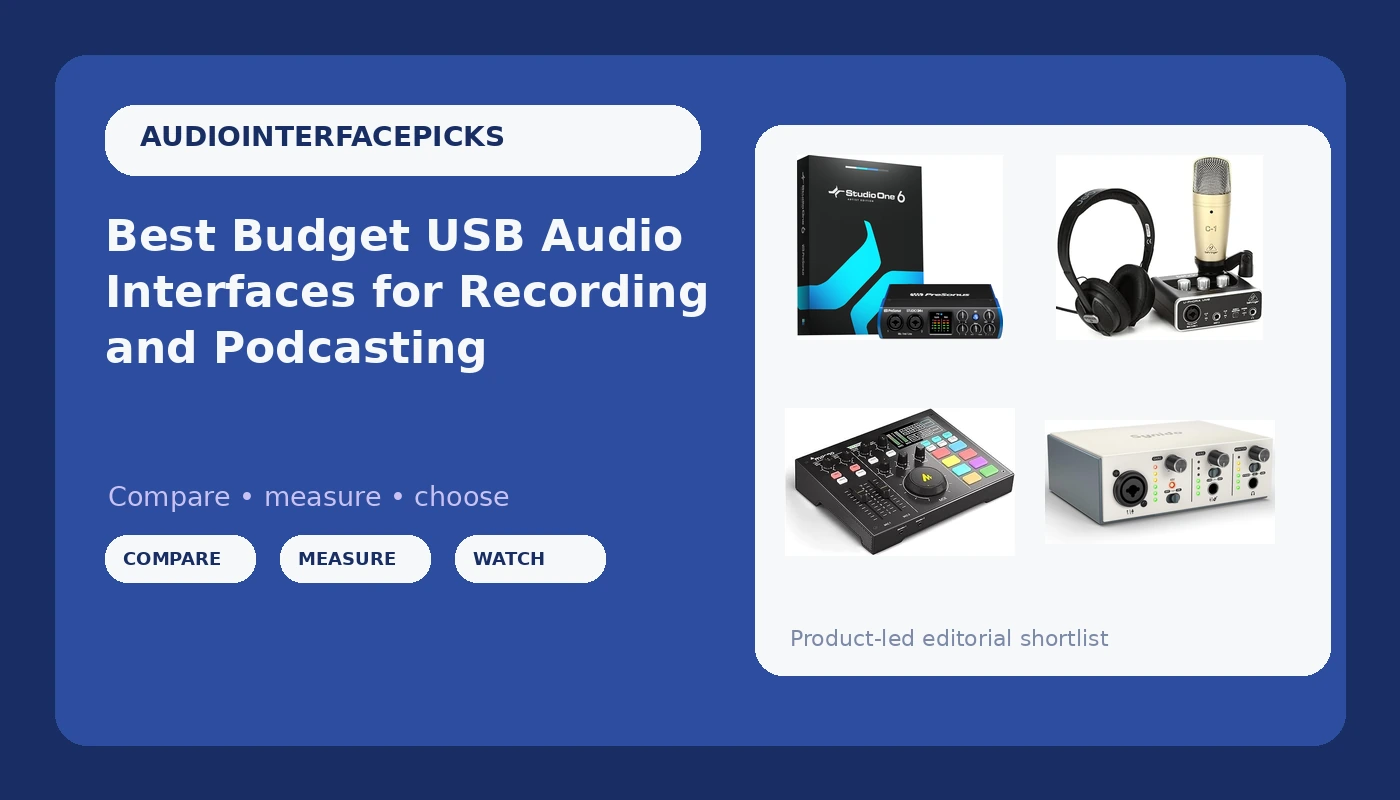
Choosing a first USB audio interface is less about finding the box with the biggest numbers printed on it and more about matching that box to the way you actually record. If you sing into one microphone at a desk, a two-input interface with recording software included is more than enough. If you record a dynamic mic at arm's length, or want to track guitar into a phone or tablet, a high-gain single-input unit makes more sense. This guide looks at USB audio interfaces for recording, streaming, and podcasting at the affordable end of the market, from a small plug-and-play sound card up to a complete bundle with a microphone and headphones in the box, and it explains which of those differences change your day and which ones are just spec sheet decoration.
Related: Best USB-C Audio Interfaces Under $200
Quick answer
The PreSonus Studio 24c 2x2, 192 kHz, USB Audio Interface with Studio One DAW Recording Software is the strongest fit for a small home studio because it provides two inputs and two outputs, 192 kHz conversion, and a bundled copy of Studio One recording software in one purchase, so you are not shopping for a DAW on day one. Choose the MAONO P1 USB Audio Interface with 70dB Gain for PC, Phone, iPad & Guitar instead when you mainly record a dynamic microphone, want the higher stated gain on the box, or need to connect to a phone, tablet, or guitar rather than a desktop computer.
USB audio interfaces worth comparing
PreSonus Studio 24c 2x2, 192 kHz, USB Audio Interface with Studio One DAW Recording Software
Check current Amazon price
A two-input, two-output USB interface with 192 kHz conversion and a copy of Studio One recording software included, which makes it a self-contained starting point for a small home studio.
Visit on Amazon
MAONO P1 USB Audio Interface with 70dB Gain for PC, Phone, iPad & Guitar
A single-input interface with a stated 70 dB of gain and support for PC, phone, iPad, and guitar, aimed at dynamic microphones and mobile recording setups.
Visit on Amazon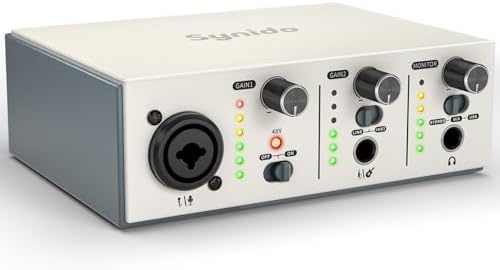
USB C Audio Interface for Recording Music, Streaming, Podcasting, Silver
A silver USB-C interface positioned for recording music, streaming, and podcasting, with the modern connector that newer laptops and tablets favor.
Visit on Amazon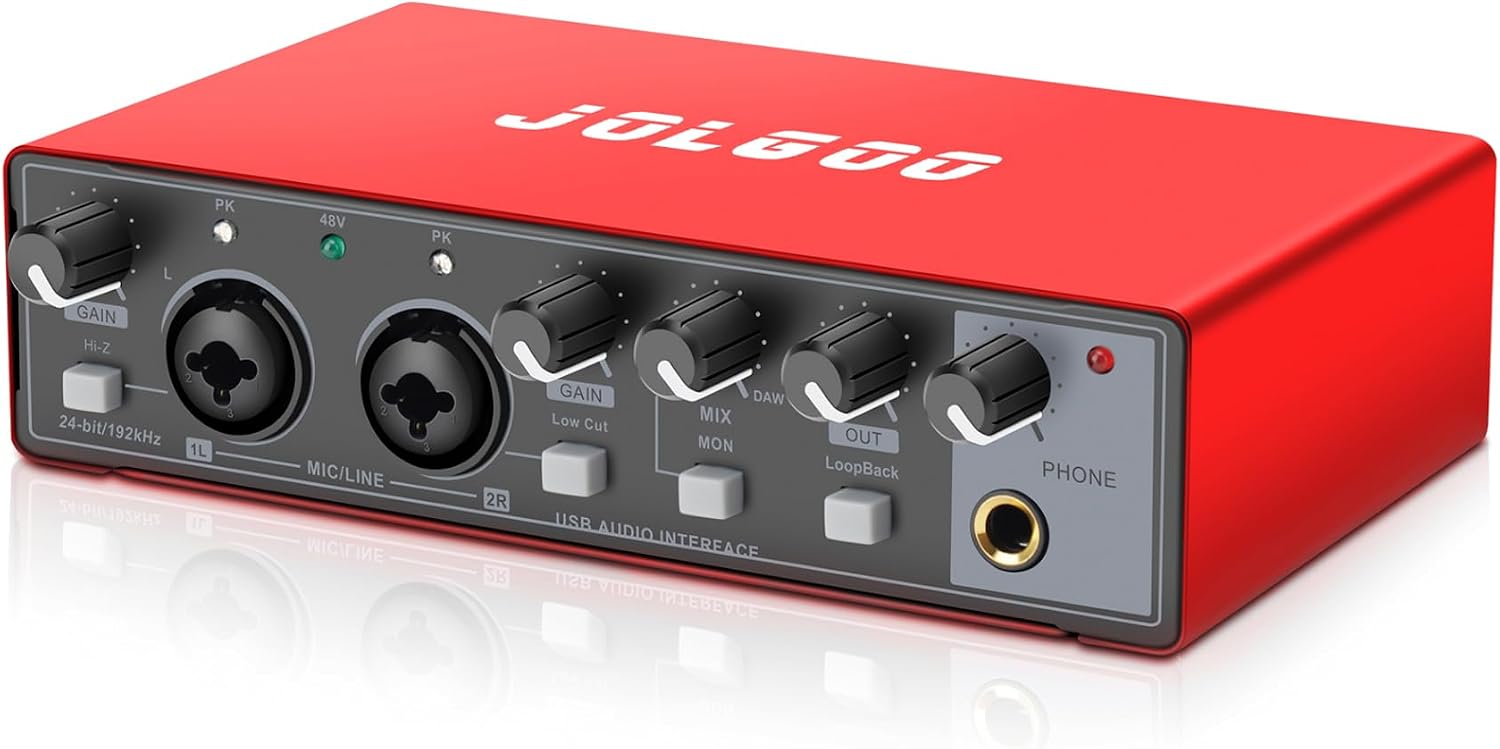
USB Audio Interface, Red 24-Bit/192kHz Plug & Play Recording Sound Card
A red, compact sound card with 24-bit/192 kHz conversion and a plug-and-play approach, the simplest and least expensive route into this list.
Visit on Amazon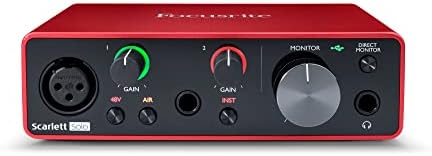
Behringer U-PHORIA STUDIO Complete Recording/Podcasting Bundle with USB Audio Interface, Condenser Microphone, Studio Headphones and More
A complete recording and podcasting bundle: USB interface, condenser microphone, studio headphones, and the supporting pieces needed to start recording from a single purchase.
Visit on Amazon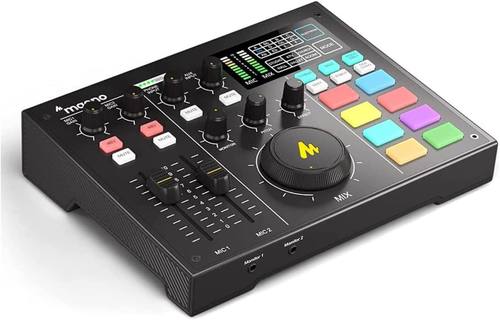
Maono Maonocaster AU-AM100 podcaster-mixer
Check current Amazon price
A podcaster-mixer style unit that combines interface duties with hands-on level and tone controls, a better match for a two-person show than a bare two-channel box.
Visit on AmazonPrices and availability may change. Check the retailer for current details.
How these products were compared
This guide compares input and output count, stated conversion quality, connection type, bundled software and accessories, and the manufacturer's stated gain or feature set. Product names, images, and retailer links are matched by product identifier so that every card points to the product shown.
That list of criteria is deliberately narrow, because those are the differences a buyer can actually verify before ordering. Where a number appears in this article, it comes from the product name or the manufacturer's own description: 192 kHz conversion, 24-bit operation, a stated 70 dB of gain, a 2x2 input and output layout, a USB-C connector, or the contents of a bundle. What this guide does not do is pretend that a spec sheet tells you how a preamp behaves when you push it. Two interfaces with the same numbers can behave very differently at high gain, and the only honest way to judge that is with your own microphone in your own room. Treat the specifications here as a shortlist filter, not a verdict. Do not print a current price in the article; readers should use the call to action on each card to confirm current price and availability.
How to choose the right USB audio interface
Start by counting the inputs you genuinely need, not the inputs you might need someday. A single-input interface handles one microphone, which covers solo voiceover, one-person podcasts, and most songwriting demos. A 2x2 layout gives you two inputs and two outputs, which is what you want for a host and a guest, a vocal plus a guitar, or a stereo keyboard. Anything beyond two inputs on a first purchase usually means you are paying for channels that stay empty, and the money is better spent on the microphone or on treating the corner of the room you record in.
The second decision is workflow, and it splits three ways. Plug-and-play sound cards are the shortest path from box to recording: connect, select the device in your software, set a level, go. Interfaces with bundled recording software, like the top pick here, trade a longer setup for a complete chain that does not require you to buy or learn a separate DAW. Mixer-style units put faders and tone controls under your fingers, which suits a live two-person show where you want to ride levels in real time rather than in software. None of these is better in the abstract; they are better for specific rooms and specific habits.
Then look at the practical details that decide whether the thing stays plugged in. Check whether the interface uses USB-C or the older USB-A connector, since that determines whether you need an adapter on a modern laptop or tablet. Check the stated gain if you plan to run a dynamic microphone, because gain is what makes a broadcast-style mic usable without a cloudlifter or a separate preamp. Check what is in the box, because a bundle with a microphone and headphones solves two purchases at once, while a bare interface assumes you already own both. If you are weighing connector types across a wider range of gear, the breakdown in our USB-C interface comparison is a useful next step before you commit.
PreSonus Studio 24c 2x2, 192 kHz, USB Audio Interface with Studio One DAW Recording Software
The PreSonus Studio 24c is a 2x2 USB interface with 192 kHz conversion and a copy of Studio One recording software included. In plain terms, that means two inputs and two outputs on the box, high-resolution conversion as stated by the manufacturer, and a software package that takes you from a blank session to a recorded take without buying anything else. For a home studio that records one or two sources at a time, that combination covers the whole job: microphone in, headphones out, tracks captured in the bundled DAW.
The trade-off is that you are buying capability as well as inputs. If you only ever record one microphone, never track two sources at once, and already have recording software you like, the two-input layout and the bundled DAW are value you will not use. The cheaper single-input and plug-and-play options in this list exist exactly for that buyer. The Studio 24c earns the top spot for the person assembling a small studio from nothing, not for the person adding a second interface to an existing rig.
Alternatives to consider
The MAONO P1 USB Audio Interface with 70dB Gain for PC, Phone, iPad & Guitar is better suited to dynamic microphone recording and mobile setups, since its stated 70 dB of gain and its support for PC, phone, iPad, and guitar cover the two situations a bare two-input box handles least gracefully. The Maono Maonocaster AU-AM100 podcaster-mixer is a stronger fit when your show has two voices and you want physical controls for levels and tone instead of doing everything inside software.
The USB C Audio Interface for Recording Music, Streaming, Podcasting, Silver, the USB Audio Interface, Red 24-Bit/192kHz Plug & Play Recording Sound Card, and the Behringer U-PHORIA STUDIO Complete Recording/Podcasting Bundle with USB Audio Interface, Condenser Microphone, Studio Headphones and More cover the rest of the field. The silver USB-C unit is the pick when your computer or tablet has moved to USB-C and you want recording, streaming, and podcasting in one compact device. The red 24-bit/192 kHz sound card is the entry point for someone who wants the lowest-commitment way to get audio into a computer. The U-Phoria Studio bundle is the opposite approach: one purchase that lands an interface, a condenser microphone, studio headphones, and the supporting pieces on your desk at the same time.
Day-to-day use and maintenance
Set your gain once per session and leave it alone. The habit that separates a clean recording from a distorted one is watching the input meter while you speak or play at your normal volume, then backing the gain down until peaks sit comfortably below the top of the scale. Recording quietly and raising the level later is safer than recording hot and trying to repair clipping that is already baked into the file. Do the same check with headphones on, since the level that looks fine on a meter can still sound pinched or harsh in your ears.
Treat the connectors as the fragile part of the setup. The headphone jack, the input jacks, and the USB port take the most physical abuse in a home studio, and a cable that is yanked sideways is the fastest way to introduce crackle or a channel that drops out. Unplug by the connector body rather than the cable, coil cables loosely rather than wrapping them tight around your hand, and keep the interface somewhere it will not get pulled off the desk. If your unit came with software, register it and keep it updated, because driver and firmware fixes are the usual answer when a device stops being recognized after a system update. Read the manufacturer's own setup instructions for your specific model before troubleshooting anything else.
Buying checklist
- Count the inputs you need for your normal session, not the largest session you can imagine.
- Choose the stated conversion quality and gain based on that normal use rather than an occasional edge case.
- Confirm that the exact model includes the connector type, software, or bundled accessories you are counting on.
- Read the setup, care, and maintenance instructions for the specific unit before you install it.
- Verify the current retailer price, availability, and return terms before ordering.
Final recommendation
Choose the PreSonus Studio 24c 2x2, 192 kHz, USB Audio Interface with Studio One DAW Recording Software when you are building a small home studio from scratch, record one or two sources at a time, and want the interface and the recording software settled in a single purchase. Choose the MAONO P1 USB Audio Interface with 70dB Gain for PC, Phone, iPad & Guitar when a dynamic microphone, a phone or tablet, or a guitar is the center of your setup. If neither of those describes you, the USB-C unit, the plug-and-play sound card, and the bundle with the microphone and headphones each solve a different version of the same problem, and the right one is the one whose included pieces you will actually use.