
Most people shopping for a USB audio interface are trying to solve one of three problems. They need a clean way to get a microphone into a computer. They need a guitar to sound like a guitar instead of a buzzsaw. Or they need two people in one room recorded on separate tracks without a fight over levels. The box that solves all three is not the same box for everybody, and the differences that actually matter are rarely the ones printed in the largest font on a retail page.
This guide covers six USB audio interfaces that cover the realistic range for a home studio, from a stripped-down two-channel starter to a 10-in, 6-out desktop unit that can carry a small tracking session. Every one of them can record a vocal and a guitar. What separates them is how the preamps behave when you push them, how the drivers hold up on a mid-range laptop, whether the headphone amp can drive a pair of 250-ohm cans, and how much I/O you get before you have to buy again.
One note before the list. No prices are printed here because they move constantly. Every card links to the product page so you can check current Amazon price and availability, and the links are matched to the exact model shown rather than to a lookalike.
Related: How to Set Interface Gain Without Clipping
Quick answer
The MOTU M2 USB-C Audio Interface is the strongest fit for a two-input home studio because it pairs a USB-C connection with the two-channel layout, straightforward routing, and driver behavior that most small sessions actually depend on. Choose the Audient iD14-MkII instead when you want more inputs and outputs, a dedicated instrument path, and a step up in preamp quality for guitar tracking.
USB audio interfaces worth comparing
Five things decide whether an interface disappears into your workflow or becomes the thing you complain about: preamp behavior at high gain, driver stability, headphone output, I/O layout, and what comes in the box. The six units below spread across that range, so you can see where each one lands before you commit.
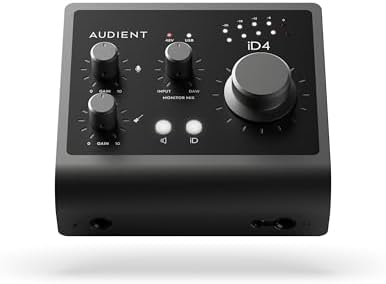
MOTU M2 USB-C Audio Interface
A two-channel USB-C interface from MOTU's M series, aimed at home studios that want a simple signal path, clean conversion, and a layout that stays out of the way during a session.
Visit on Amazon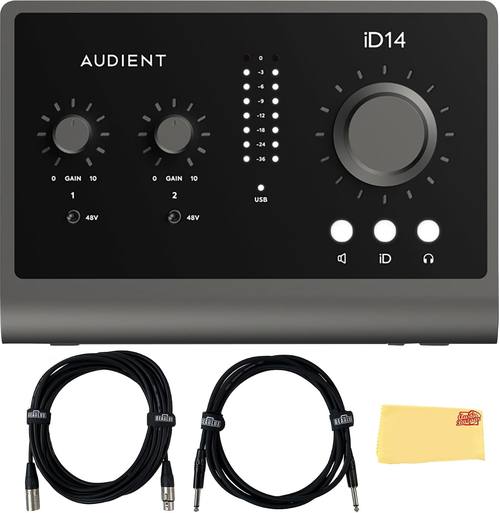
Audient iD14-MkII, 10 In 6 Out Audio Interface with Instrument Cable, XLR Cable, and Austin Bazaar Polishing Cloth
Check current Amazon price
Audient's 10-in, 6-out desktop interface, sold here as a bundle with an instrument cable, an XLR cable, and a polishing cloth. The extra connectivity and instrument input make it the step-up choice for guitarists and small tracking dates.
Visit on Amazon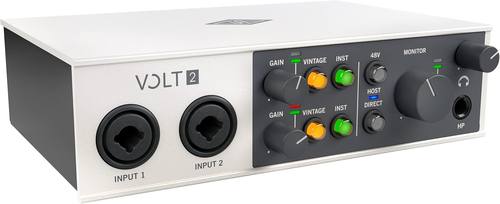
Universal Audio Volt 2 USB Audio Interface
The two-channel member of Universal Audio's Volt line, with the vintage-mode preamp voicing the series is known for and a layout built for recording two microphones at once.
Visit on Amazon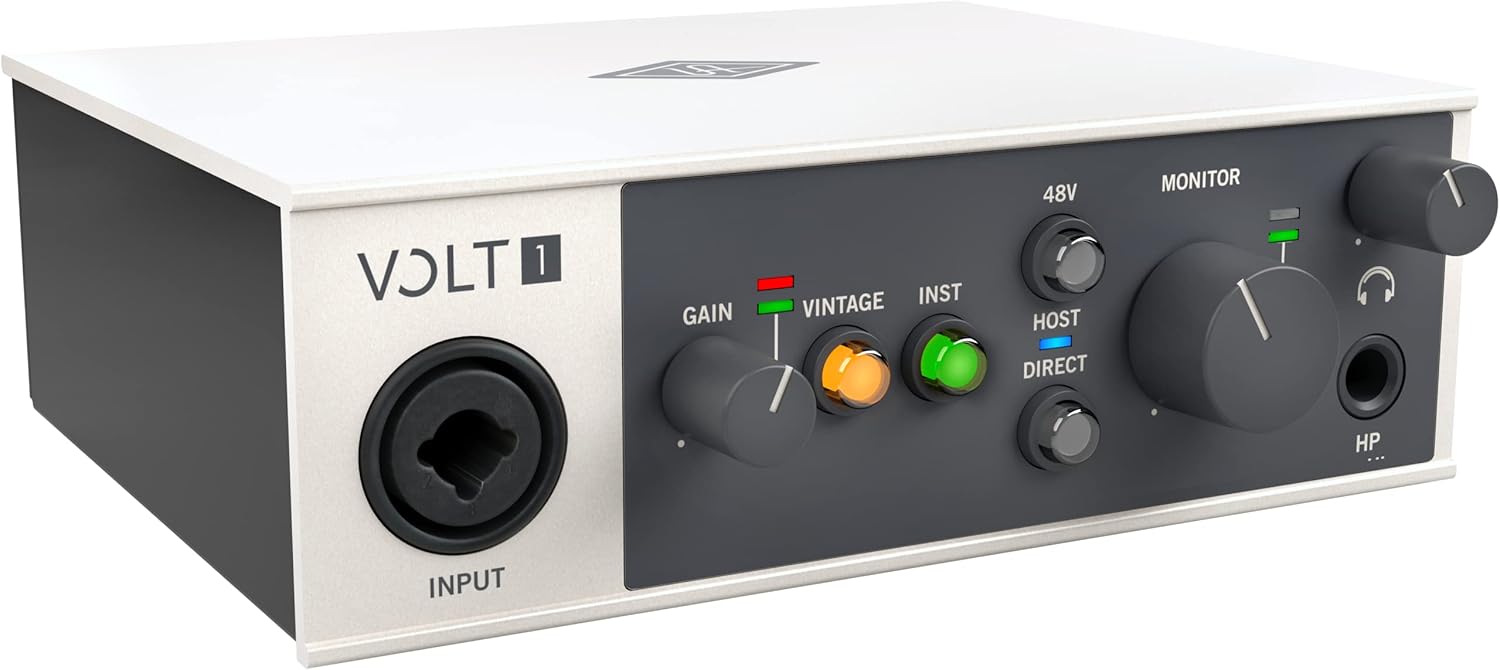
Universal Audio Volt 1 USB Audio Interface
The single-input Volt, built for solo vocalists, podcasters, and anyone who records one source at a time and would rather not pay for a channel they will never use.
Visit on Amazon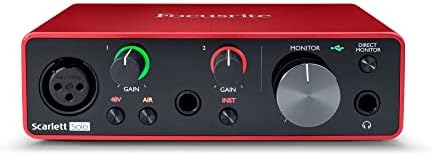
PreSonus AudioBox 96 25th Anniversary USB Audio Interface
The 25th Anniversary edition of PreSonus's long-running two-channel interface, a budget workhorse with a bundled software package and a design that has stayed in production for a reason.
Visit on Amazon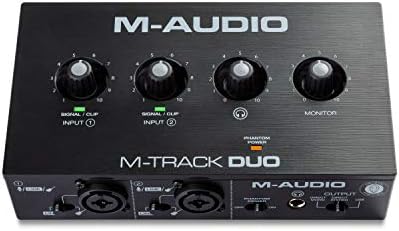
M-AUDIO M-Track Duo USB Audio Interface
A compact two-channel interface for the smallest setups: a microphone, a guitar, and a laptop, with the essentials and nothing extra to configure.
Visit on AmazonPrices and availability may change. Check the retailer for current details.
How these products were compared
This guide compares preamp gain behavior at the top of the dial, driver stability and how round-trip latency behaves once plugins are loaded, headphone output into higher-impedance headphones, input and output layout including whether two microphones can be tracked at the same time, and what actually ships in the box. Product names, images, and retailer links are matched by ASIN so that every card points to the product shown rather than to a similar model from the same family.
Those criteria are not equally important to every reader, which is why the sections below are organized by use case instead of by a single ranking. A solo podcaster and a guitarist tracking through a DI care about different specs, and a two-person interview show cares about a third set entirely. Nothing here should be read as a claim about measured performance on a bench. Where a distinction depends on a number that cannot be verified from the product listing, the guide says so and leaves the decision to you.
No current price is printed anywhere in this article. Retail pricing on audio gear moves weekly, and a number frozen into a buying guide is worse than no number at all. Use the link on each card to confirm price and availability at the moment you are ready to buy.
How to choose the right USB audio interface
Start with input count and work backward. One microphone means one input, and a single-channel interface like the Universal Audio Volt 1 is the honest answer. Two microphones, or a microphone plus a guitar at the same time, means two inputs with independent gain controls. Anything beyond that is usually a sign that you are buying for a session you have not booked yet, and that is a legitimate reason to spend more, as long as you know that is what you are doing.
The second decision is the preamp. Gain staging is most of a good recording: set the level so the meter kisses yellow and the signal is strong without clipping, then listen rather than trust the number. Interfaces with more usable gain before the noise floor becomes audible give you more room to work with a quiet dynamic mic or a ribbon, which is where budget preamps tend to fall apart. If you mostly record loud sources close to the capsule, this matters far less than the internet suggests.
The third decision is drivers, and it is the one most buyers skip. A great converter with unstable drivers is a paperweight. Look for a manufacturer with a current driver page for your operating system, and check whether settings survive a reboot, because an interface that forgets your buffer size every morning will cost you more time than a slightly better preamp will save. If you are still working out your levels, our guide to setting interface gain without clipping covers the practical side.
Finally, think about the headphone amp. It is the spec nobody reads until it clips, and then it becomes the most important line on the box. If you monitor on high-impedance headphones, the headphone output deserves as much attention as the input stage.
MOTU M2 USB-C Audio Interface
The MOTU M2 is the pick here because it hits the middle of every decision above without a glaring weakness. It is a two-channel USB-C interface, which is the right shape for a home studio that records a vocal and an instrument, or two people at once. USB-C connection means one cable to a modern laptop, and the two-channel layout keeps the routing simple enough that you are recording ten minutes after unboxing rather than an evening.
It also sits in the price band where you are paying for hardware instead of a bundled software headline. That matters. When a product's marketing leads with the DAW license in the box, you are often paying for the license rather than the converter, and the hardware reflects it. The M2's appeal is the opposite: a straightforward interface from a company with a long history in conversion and driver work.
The trade-off is expansion. Two inputs is two inputs. If you plan to track a drum kit, or you want a dedicated instrument input with its own character for guitar, the M2 will run out of channels before it runs out of quality, and you will be shopping again in a year. Buy it for what it is: the dependable default for a small setup, not a stepping stone to a full band.
Alternatives to consider
The Audient iD14-MkII is better suited to guitarists and small tracking sessions that need more room to grow. It is a 10-in, 6-out interface, which is a different class of box entirely, and the bundle includes an instrument cable and an XLR cable so you are not ordering accessories the same day the interface arrives. If your recordings are mostly one person with an amp sim and a vocal mic, this is the step up that will keep you from outgrowing the interface.
The Universal Audio Volt 2 is a stronger fit when you want two channels and the vintage-mode preamp voicing that gives the Volt line its character. It is aimed at the "plug in and sound close to finished" crowd, and for many home recorders that voicing is the difference between a demo that needs work and a demo that is done. The Universal Audio Volt 1 covers the same ground for a solo performer who records one source at a time.
The PreSonus AudioBox 96 25th Anniversary and the M-AUDIO M-Track Duo cover the budget end. The AudioBox has been a first interface for a very long time, and the 25th Anniversary edition keeps that formula intact, which makes it a sensible starting point if you want a known quantity with a software bundle. The M-Track Duo is the smallest commitment of the group: a mic, a guitar, a laptop, and a minimum of setup.
Day-to-day use and maintenance
Treat the interface as the one piece of gear in your chain that never moves. Set it on a stable surface at arm's length, plug the USB cable directly into the computer rather than through an unpowered hub, and leave it there. Most of the complaints people have about interfaces, dropouts, settings that reset, phantom power that behaves oddly on a flaky laptop port, trace back to power delivery and cable routing rather than the hardware.
Leave headroom in your levels. A signal that peaks at a comfortable level during rehearsal leaves room for the take where the singer leans into the mic. Gain staging is not a set-and-forget step; check it at the start of every session, because a bumped gain knob is the most common cause of a ruined take.
Keep the unit dry and dust-free, and store the bundled cables loosely rather than coiled tight around a connector. If the interface has a phantom power switch, turn it off before connecting or disconnecting a ribbon mic, since ribbon microphones are the one source that can be damaged by that voltage. Follow the manufacturer's care instructions for anything beyond a dry cloth.
Buying checklist
- Count your inputs before you shop, and buy for the sessions you actually book.
- Decide whether you need USB-C or whether a USB connection is fine for your computer.
- Confirm that the exact model listing includes the features you are paying for, such as a second channel or a dedicated instrument input.
- Check that current drivers exist for your operating system before you order.
- Read the maintenance and care instructions for the unit and its bundled cables.
- Verify current Amazon price, availability, and return terms through the link on the card, since none are printed here.
Final recommendation
Choose the MOTU M2 USB-C Audio Interface when you record one or two sources at a time and want a clean, dependable two-channel box with a USB-C connection that will not fight you. Choose the Audient iD14-MkII when you want more inputs and outputs and a preamp path that supports guitar-driven sessions as your setup grows. If your budget is the deciding factor, the PreSonus AudioBox 96 25th Anniversary and the M-AUDIO M-Track Duo both cover the basics, and the Universal Audio Volt 1 or Volt 2 is the move when preamp character matters more than channel count.
Whichever you pick, confirm the current price and the exact model on the product page before you buy. The interface is only about ten percent of how your recording sounds. The other ninety percent is the room, the microphone, and how you set the gain.