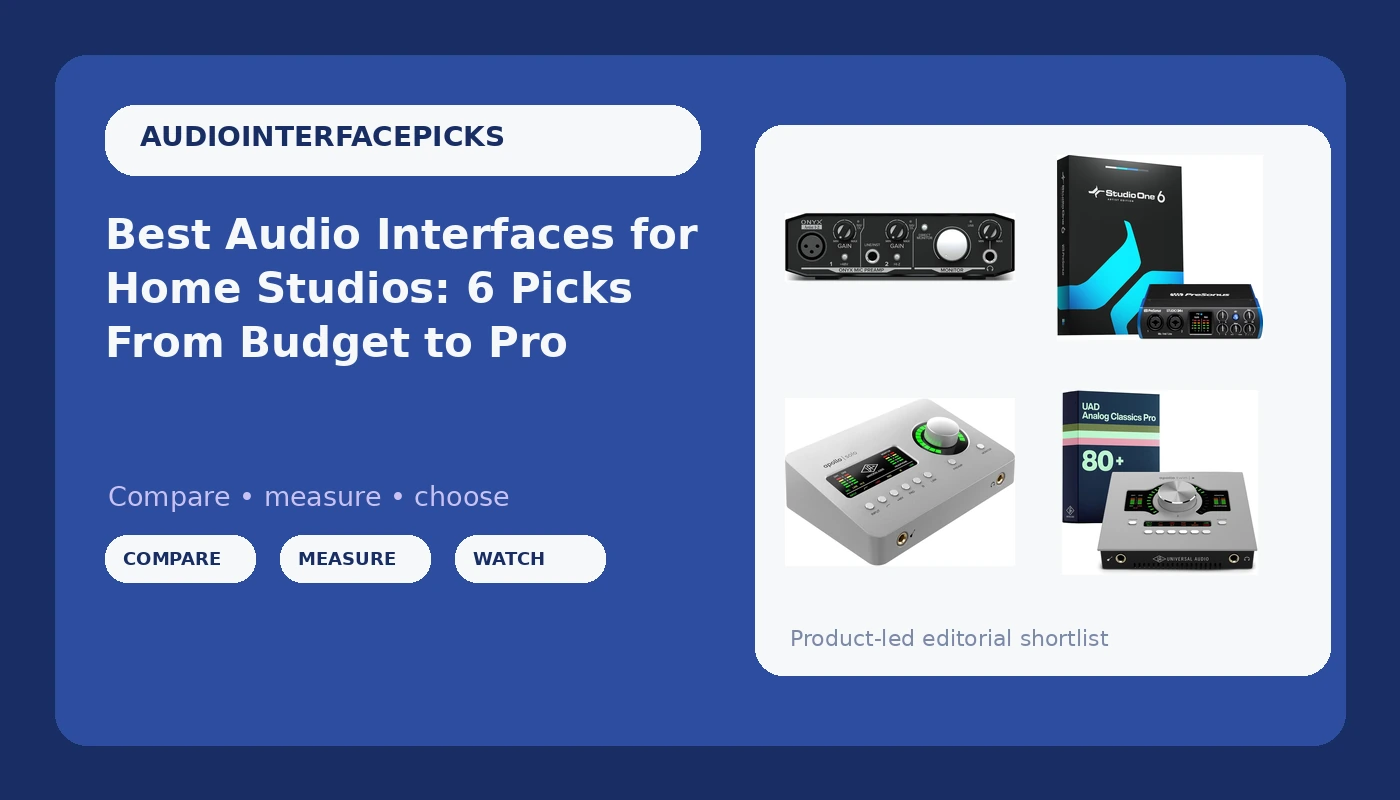
Choosing audio interfaces for home studios comes down to matching the box to the way you actually record, and that is a narrower question than most buying guides admit. A singer-songwriter tracking one microphone at a time needs one clean preamp and a headphone output that does not fall apart. A two-person podcast needs two inputs and routing that lets a guest hear everything except themselves. A synth-heavy setup may care more about line inputs and driver stability than about microphone gain at all. This guide covers five interfaces that sit at very different points on that spectrum, from a compact budget USB unit up to a desktop Thunderbolt 3 model with onboard DSP, plus one hard case that is not an interface at all. It is here because it turns up in the same searches, and it deserves a plain explanation rather than a forced recommendation.
Related: Best USB-C Audio Interfaces Under $300
Quick answer
The Universal Audio Apollo Twin X DUO Gen 2 with UAD Analog Classics Pro Thunderbolt 3 Audio Interface is the strongest fit for a project studio that wants onboard UAD processing and a desktop Thunderbolt 3 workflow, because it combines DUO DSP, the Analog Classics Pro plug-in bundle, and Universal Audio's preamp design in a single two-input unit. Choose the PreSonus Studio 24c 2x2, 192 kHz, USB Audio Interface with Studio One DAW Recording Software instead when you want a conventional two-channel USB interface with recording software included and have no need for onboard DSP.
Audio interfaces worth comparing
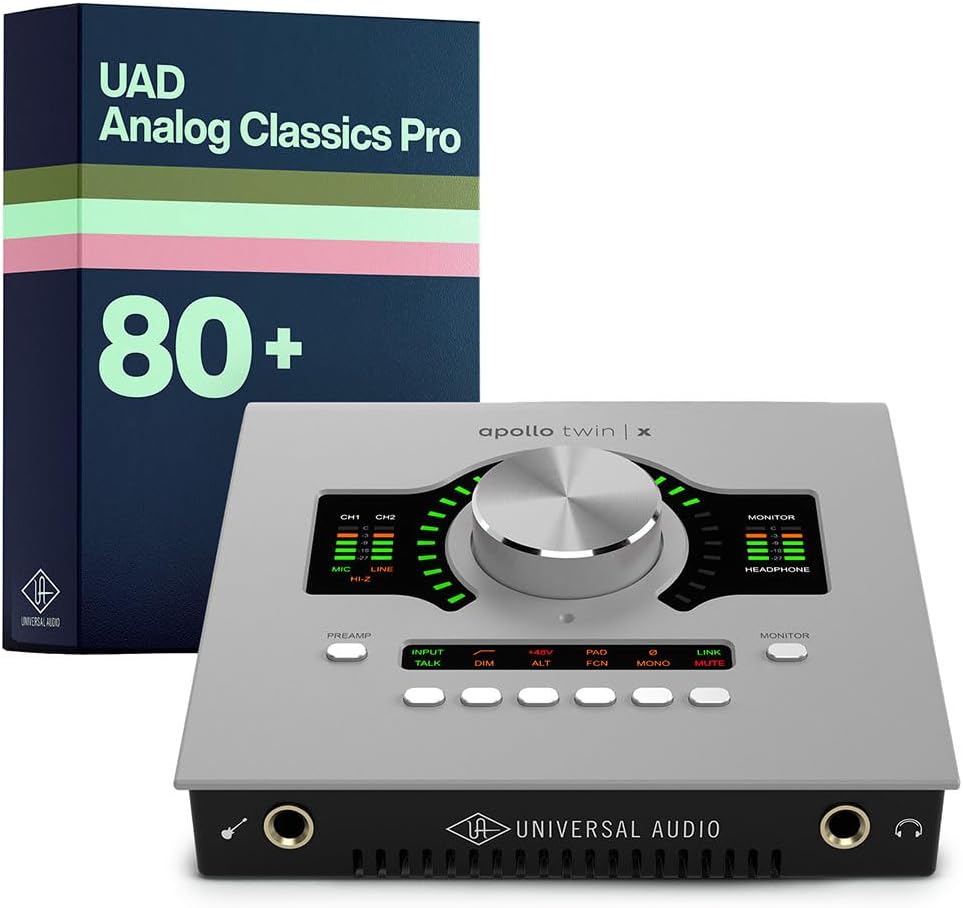
Universal Audio Apollo Twin X DUO Gen 2 with UAD Analog Classics Pro Thunderbolt 3 Audio Interface
Check current Amazon price
A desktop two-input Thunderbolt 3 interface with DUO DSP for running UAD plug-ins while tracking, plus the Analog Classics Pro bundle. Aimed at project studios that want Universal Audio preamps and processing in one unit.
Visit on Amazon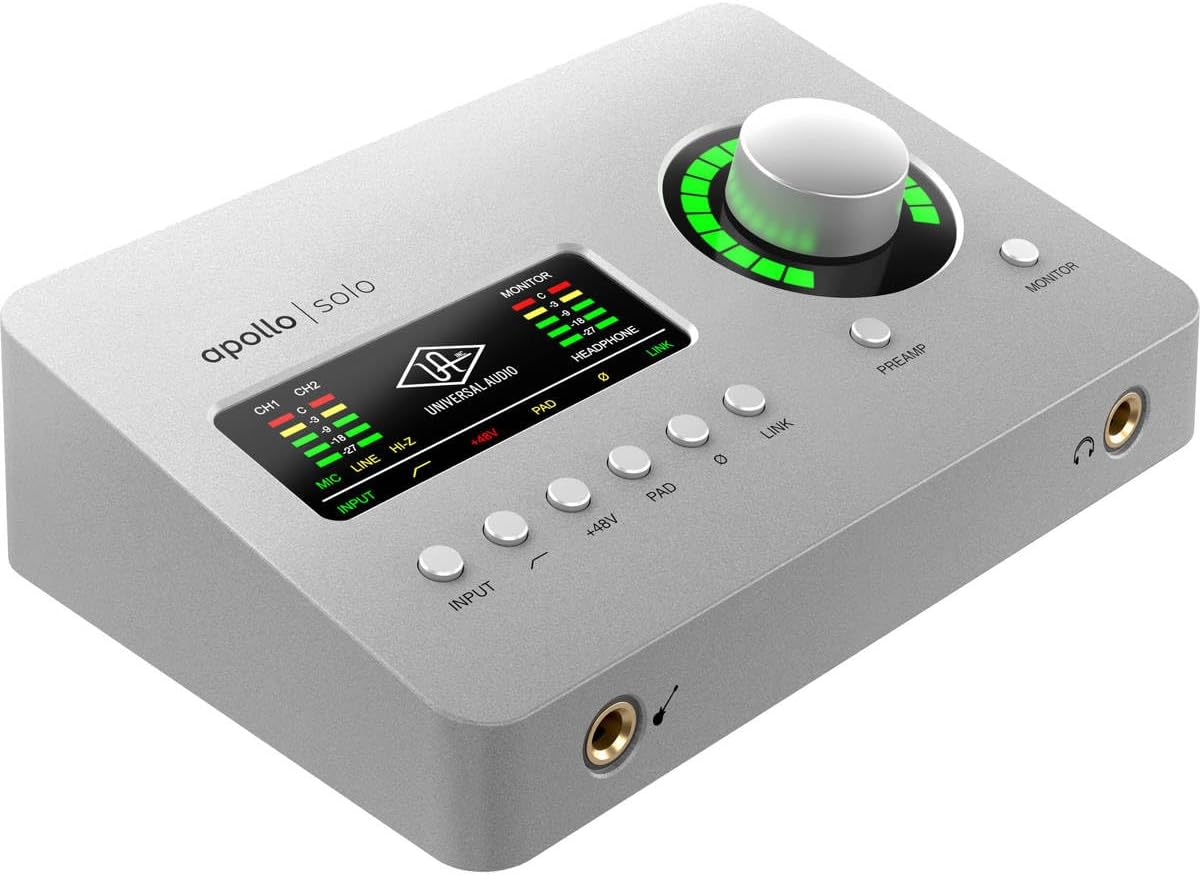
Universal Audio Apollo Solo Heritage Edition, APLS-HE
The compact Apollo Solo in the Heritage Edition, a smaller route into the UAD ecosystem for solo tracking rigs that want onboard processing without a full desktop unit.
Visit on Amazon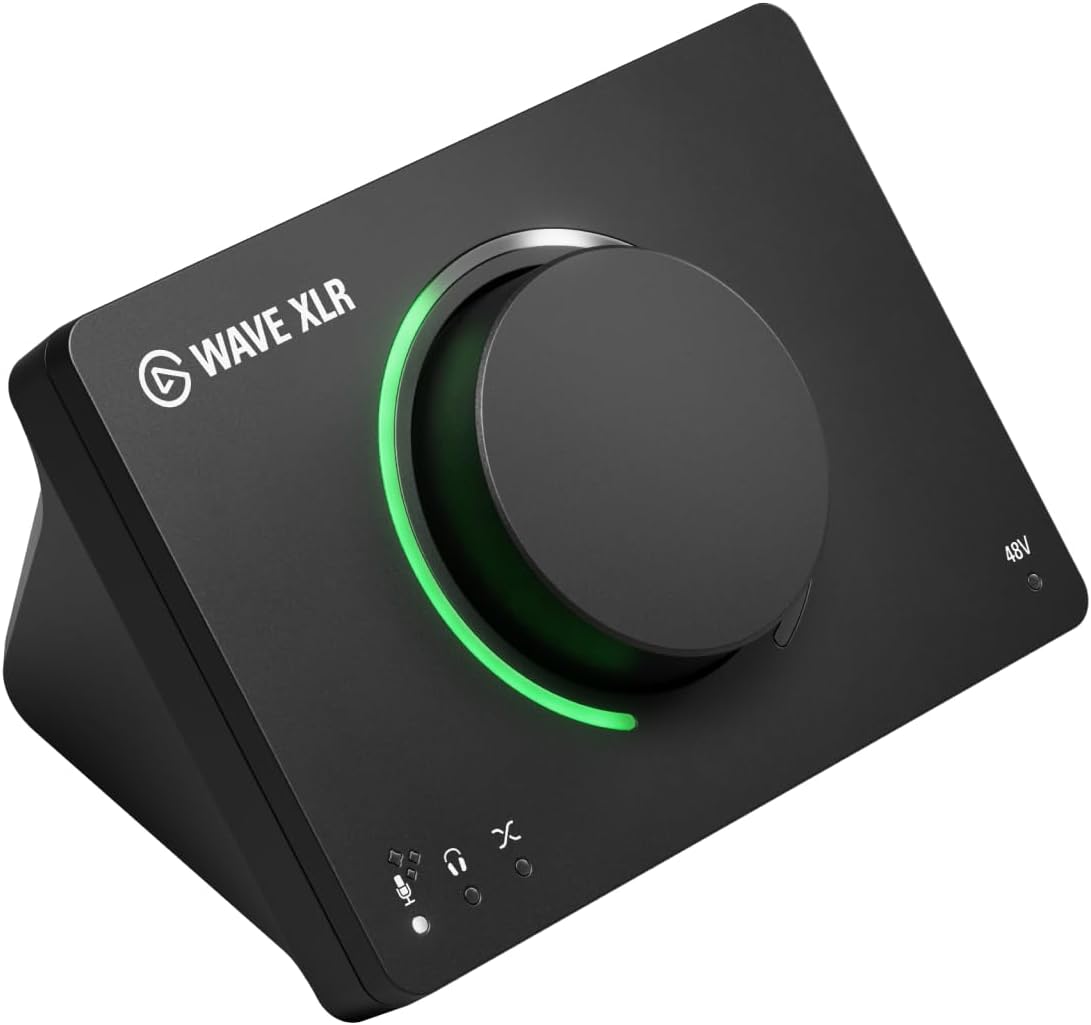
Elgato Wave XLR MK.2 USB Audio Interface and DSP Mixer
A USB audio interface with a built-in DSP mixer, built around XLR microphones for streamers and podcasters who want level control and mixing handled on the interface rather than through a separate desk.
Visit on Amazon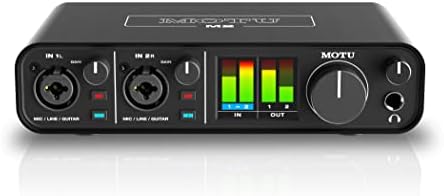
PreSonus Studio 24c 2x2, 192 kHz, USB Audio Interface with Studio One DAW Recording Software
Check current Amazon price
A two-in, two-out USB interface running up to 192 kHz, bundled with PreSonus Studio One recording software. The straightforward pick when you want a familiar USB workflow and a DAW in the same purchase.
Visit on Amazon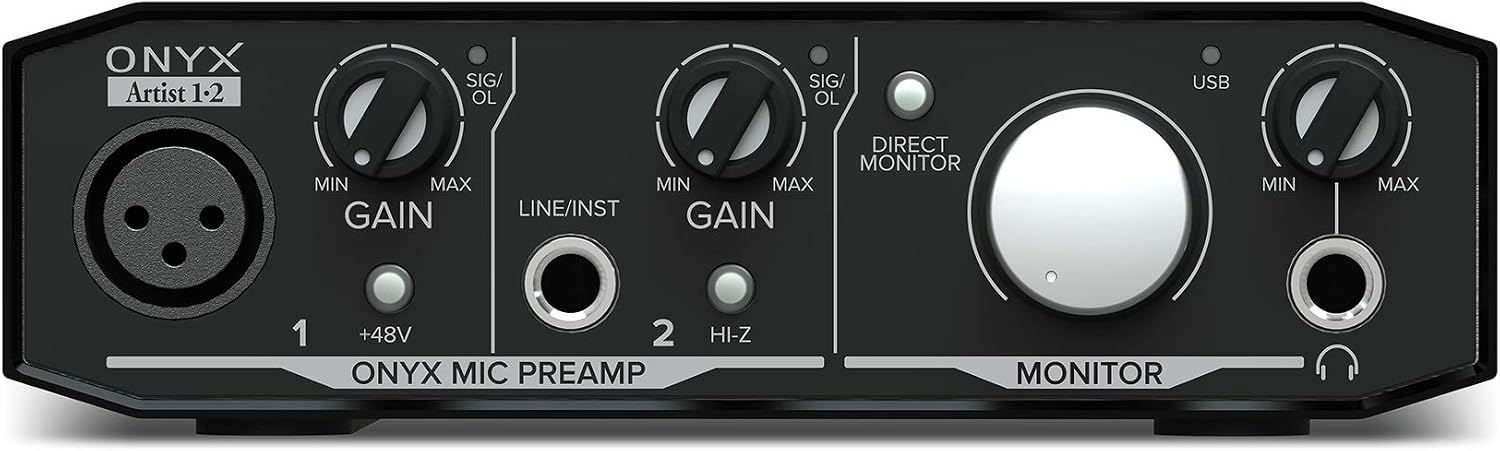
Mackie Audio Interface, Onyx Artist 1X2 USB Audio Interface (Onyx Artist 1-2)
A compact USB interface built around Mackie's Onyx preamp design, sized for one microphone or instrument at a time. The simplest and smallest option in this group.
Visit on Amazon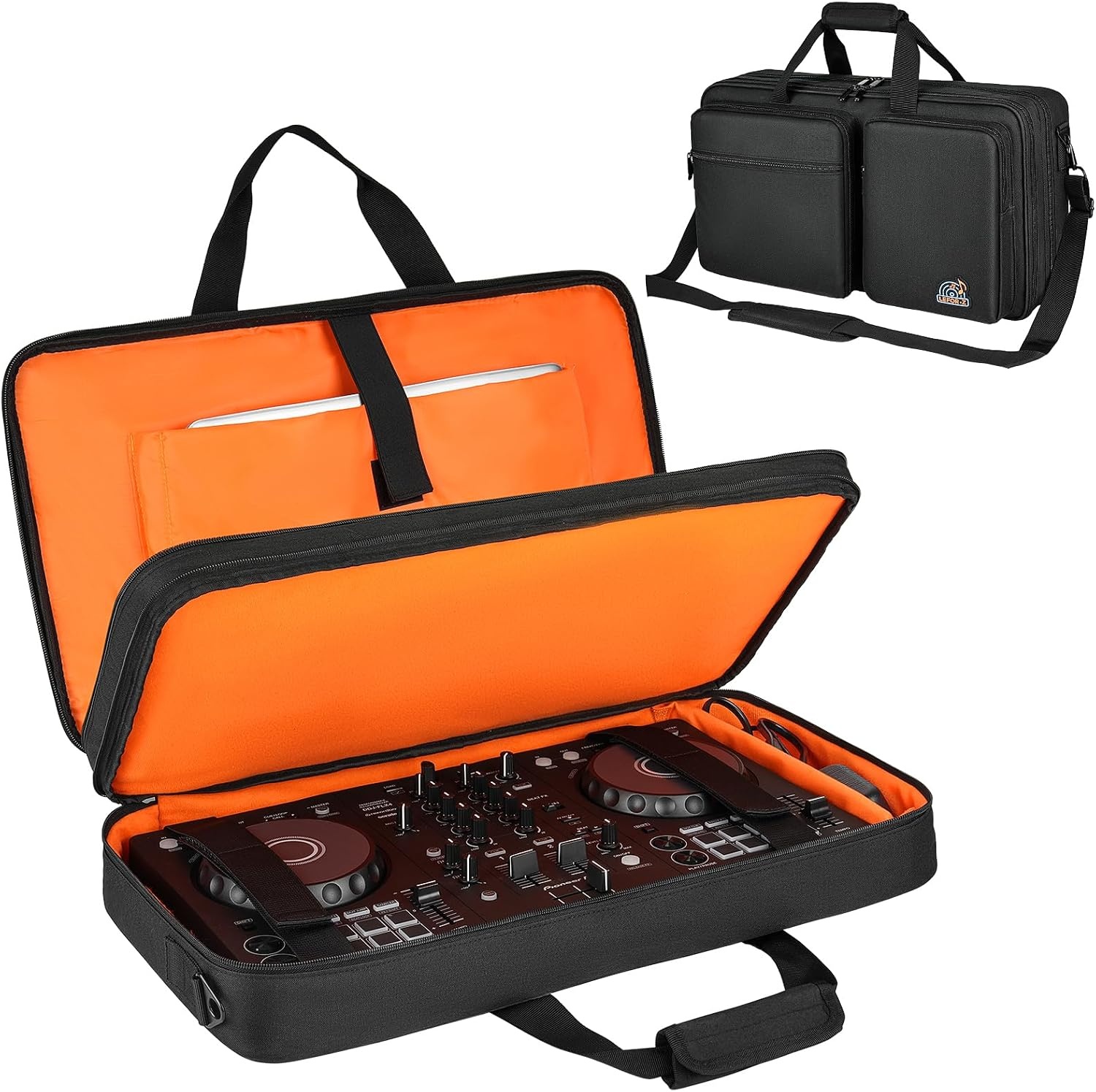
DJ Controller Case Fits for Pioneer DDJ-FLX4/Numark Mixtrack Platinum FX
Not an audio interface. A hard case sized to fit the Pioneer DDJ-FLX4 and Numark Mixtrack Platinum FX controllers, for anyone hauling a controller alongside their recording gear.
Visit on AmazonPrices and availability may change. Check the retailer for current details.
How these products were compared
This guide compares input and output count, connection type and power arrangement, preamp design as described by the manufacturer, bundled software and onboard processing, and physical format, including desktop footprint and whether a case is sized for a specific controller model. Product names, images, and retailer links are matched by product identifier so that every card points to the product shown.
Those five criteria were picked because they are the differences that actually change how a session runs. Input count decides what you can record at once. Connection type decides which computer the interface can live with. Bundled software and DSP decide how much of the work happens inside the box. Format decides whether it fits on the desk you have. Nothing here is presented as a lab measurement, and no current price is printed in this article; use the product link to confirm today's price and availability.
How to choose the right audio interface
Start with input count, because it is the one specification you cannot work around after the fact. A single-microphone workflow needs one good preamp and nothing else, which is why the Mackie Onyx Artist 1X2 is a legitimate endpoint for a songwriter who overdubs one part at a time. The moment a second person or a second microphone enters the room, you need a two-channel box, which is where the PreSonus Studio 24c and the Elgato Wave XLR MK.2 sit. Count the inputs your normal session uses, not the biggest session you can imagine, then buy one step above that and stop.
Connection type is the second decision, and it is the one people regret most. USB interfaces travel between machines, run from the computer port, and generally behave the same on a laptop as on a desktop. Thunderbolt 3, which is what the Universal Audio Apollo Twin X DUO Gen 2 uses, ties the interface to a computer that has that port, in exchange for a desktop-class workflow and onboard DSP that runs UAD processing during tracking. If your machine does not have the port, the interface is not a candidate no matter how good it sounds in a demo.
The third thing to weigh is what you monitor through and how you control levels. Two interfaces with similar input counts can differ completely in headphone output behavior, output count, and whether there is a software mixer for balancing a microphone against system audio. A podcaster who needs a mix-minus setup and a guitarist who needs a loud, clean headphone feed are asking different questions of the same category. Read the manufacturer's description of the monitoring and mixer features rather than assuming they are all equivalent, because they are not.
Universal Audio Apollo Twin X DUO Gen 2 with UAD Analog Classics Pro Thunderbolt 3 Audio Interface
The Apollo Twin X DUO Gen 2 is a two-input desktop interface built around a Thunderbolt 3 connection, with DUO DSP for running UAD plug-ins in real time and the Analog Classics Pro bundle included. In practical terms, that means the processing you would normally add after recording can be part of the monitoring chain while you perform, and the plug-in collection arrives with the interface rather than as a separate purchase. For a project studio that tracks vocals, guitars, and synths in a single room, it concentrates preamps, conversion, and processing into one box that sits on the desk.
The trade-off is real and worth stating plainly. You are paying for the UAD ecosystem, and that only makes sense if you intend to use it. The Thunderbolt 3 requirement rules out a lot of older or budget laptops, and a two-input format is still a two-input format no matter how good the preamps are. If your sessions are one microphone and a guitar, and you have no interest in running plug-ins during tracking, a plain USB interface does the same job for far less. Buy this one for the workflow, not for the badge.
Alternatives to consider
The Universal Audio Apollo Solo Heritage Edition, APLS-HE is better suited to solo tracking rigs that want the UAD ecosystem in a smaller, more compact form than the full desktop Twin, while the Elgato Wave XLR MK.2 USB Audio Interface and DSP Mixer is a stronger fit when the job is streaming or podcasting with one XLR microphone and you want the mixing handled by the interface rather than by a separate board.
The PreSonus Studio 24c 2x2, 192 kHz, USB Audio Interface with Studio One DAW Recording Software, the Mackie Audio Interface, Onyx Artist 1X2 USB Audio Interface (Onyx Artist 1-2), and the DJ Controller Case Fits for Pioneer DDJ-FLX4/Numark Mixtrack Platinum FX cover the rest of the field. The PreSonus is the conventional two-channel USB choice with recording software included. The Mackie is the compact single-input entry point. The case is not an interface at all: it is a hard case sized for the Pioneer DDJ-FLX4 and the Numark Mixtrack Platinum FX, and it belongs on this list only if you already own one of those controllers and need to move it safely.
Day-to-day use and maintenance
Set gain so the meter peaks comfortably below clipping rather than as hot as it will go, and leave headroom for the performer who gets louder on the final take. Gain staging is the single habit that separates a clean recording from a distorted one, and it costs nothing to practice. If you are running a condenser microphone that needs phantom power, engage it before the take and mute your monitors first, since the on/off transient is loud and unnecessary in a room with a live microphone.
Keep the interface on a stable surface with room for cable strain relief, because a USB or Thunderbolt connector that gets pulled sideways is the most common way a working interface becomes a broken one. Update the manufacturer's driver and control software when a new version is released, but do it between sessions rather than the night before a deadline. Dust the unit and keep it out of direct sun. If you bought the controller case, use it every time the controller leaves the room, and read its care instructions before you decide it can take a checked bag.
Buying checklist
- Count the inputs and outputs your normal session uses, not your largest possible session.
- Confirm the connection type your computer actually has: USB-A, USB-C, or Thunderbolt 3.
- Decide whether you need onboard DSP or a software mixer, or whether your computer handles processing already.
- Check which software and plug-in bundle the exact edition includes, since editions of the same model differ.
- Measure your desk or bag space, and confirm a case is sized for your specific controller model.
- Verify the current retailer price, availability, and return terms through the product link.
Final recommendation
Choose the Universal Audio Apollo Twin X DUO Gen 2 with UAD Analog Classics Pro Thunderbolt 3 Audio Interface when you have a Thunderbolt 3 machine and you want UAD processing, preamps, and conversion in one desktop unit. Choose the PreSonus Studio 24c 2x2, 192 kHz, USB Audio Interface with Studio One DAW Recording Software when you want a two-channel USB interface with recording software included and no interest in a plug-in ecosystem. For one microphone at a time, the Mackie Onyx Artist 1X2 is the smallest sensible answer, and the DJ controller case is worth buying only if you own the controller it fits.