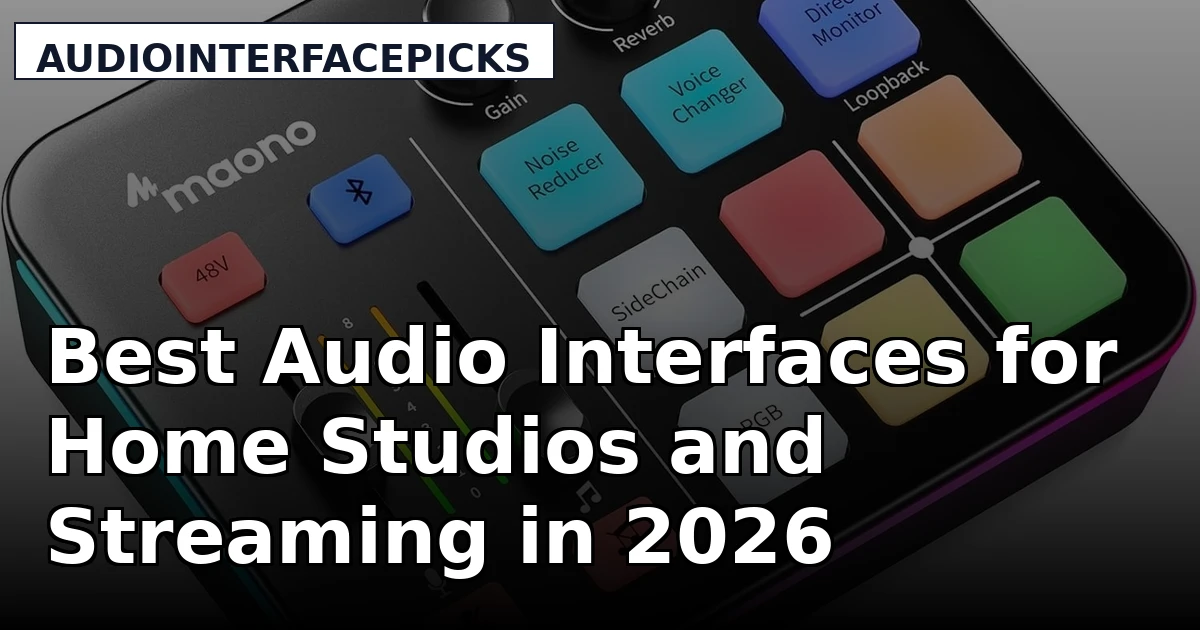
If you are building your first serious recording setup, the interface is the piece that decides how everything else sounds. It is the box that takes a microphone signal, converts it to digital, sends it to your computer, and turns your mix back into something you can actually hear. Get that box wrong and you will spend months blaming your microphone, your room, or your headphones for a problem that lives in the preamp or the drivers. This guide covers six current options that span the real range of what people buy: an entry-level desktop mixer for streamers, a single-channel XLR-to-USB adapter for podcasters, a bundled podcast kit, two compact two-channel interfaces for songwriters and solo recorders, and an eight-preamp rack unit for tracking a full band. Each one is a legitimate answer to a different question. The best audio interfaces are not the ones with the longest feature list, they are the ones matched to the session in front of you, and that is the only comparison that matters here.
Related: How to Choose Your First Audio Interface
Quick answer
The Solid State Logic SSL 2 MKII - 2x2 USB Audio Interface is the strongest fit for most home studios and solo recording because it combines SSL's console-derived preamp design with a compact two-channel USB-C format that handles vocals, guitar, and keys without eating rack space. Choose the Focusrite Scarlett 18i20 4th Gen USB-C Audio Interface instead when you need to track drums or a full band in one pass and want eight microphone preamps in a rackmount chassis.
Audio interfaces worth comparing
The category splits along two lines: how many inputs you need, and what the box is actually for. A streaming mixer, a podcast bundle, a single-channel adapter, and a two-channel recording interface all convert audio, but they solve different problems, and buying the wrong category is the most common and most expensive mistake in this hobby. The six models below cover the whole spread.
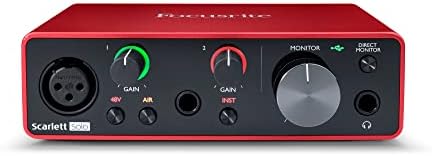
Solid State Logic SSL 2 MKII - 2x2 USB Audio Interface
A compact two-input, two-output USB-C interface built around SSL's console-derived preamp design, with the company's 4K coloration switch and a monitoring section aimed at small studios and solo recorders.
Visit on Amazon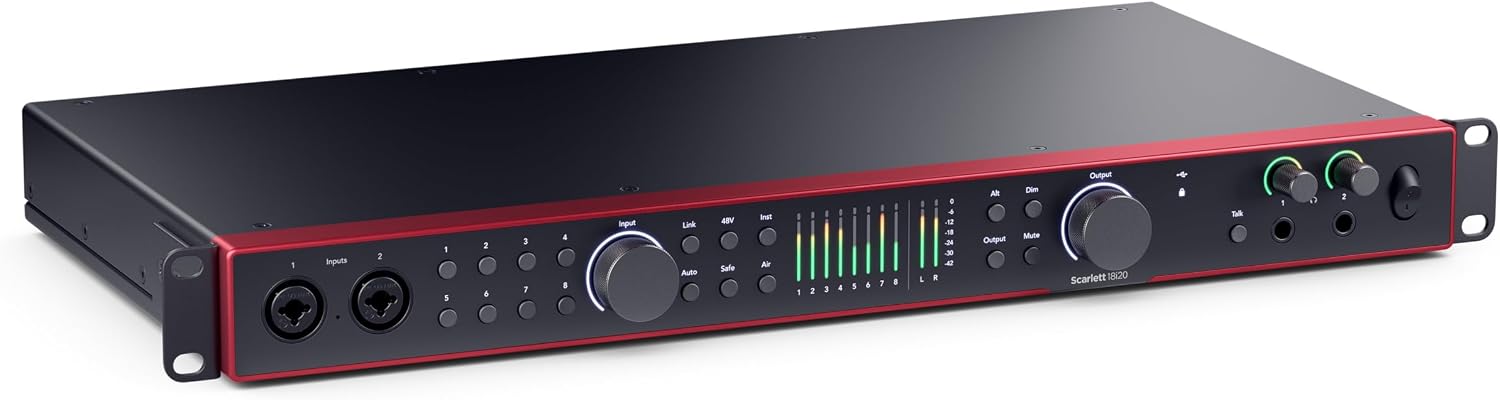
Focusrite Scarlett 18i20 4th Gen USB-C Audio Interface
An eight-preamp rackmount interface with USB-C connectivity and the expanded line-level input and output count that multi-mic drum tracking and full-band sessions demand.
Visit on Amazon
Shure MVX2U Gen 2 XLR-to-USB-C Audio Interface
A single-channel XLR-to-USB-C adapter interface that turns an existing XLR microphone into a USB microphone, with onboard digital processing and phantom power for condenser mics.
Visit on Amazon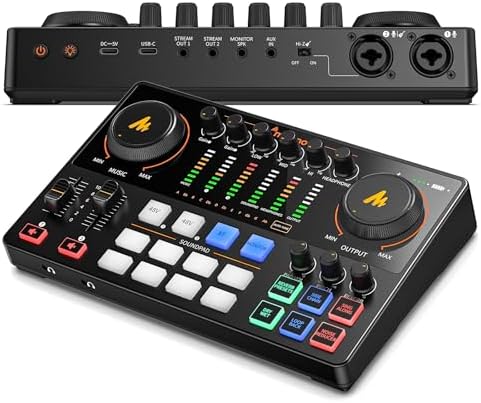
MAONO E2 Gen2 Podcast Equipment Bundle Audio Interface Mixer
A podcast-focused bundle built around a mixer interface with XLR input, packaged for two-person shows and interview setups that want the core pieces in a single purchase.
Visit on Amazon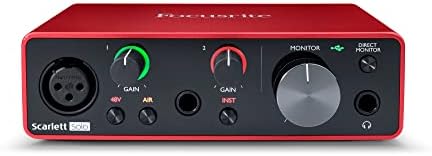
MAONO G1 Neo Gaming Audio Mixer Audio Interface with XLR Input & 48V
A desktop mixer interface with an XLR microphone input and 48V phantom power, aimed at streamers and gamers who want to bring a real studio microphone into a computer setup.
Visit on Amazon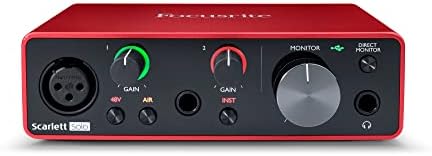
FIFINE SC8 Gaming Audio Mixer for Live Streaming with 7.1ch Surround sound
A live-streaming mixer with 7.1-channel surround processing and hands-on controls for balancing game audio, voice, and music during a broadcast.
Visit on AmazonPrices and availability may change. Check the retailer for current details.
How these products were compared
This guide compares microphone input count and preamp design, connectivity and driver expectations, phantom power and gain range, monitoring and headphone output provisions, and the value of any included software or bundle contents. Product names, images, and retailer links are matched by model number so that every card points to the exact product shown.
The comparisons here are drawn from published manufacturer specifications and the way each product is positioned in its category. They are not presented as hands-on testing, and no claim in this guide depends on a measurement taken in a studio. Do not treat any statement here as a lab result. Use the retailer link on each card to confirm current price, availability, and the full specification list before you buy.
How to choose the right audio interface
Start with input count, because it is the one specification you cannot work around later. If your sessions are one voice at a time, two inputs is the honest answer and anything larger is money spent on preamps that sit idle. If you record drums, a small ensemble, or a band playing together, you need enough preamps to place a microphone on every source at once, and that is the point at which a rackmount unit like the Focusrite Scarlett 18i20 starts earning its place. Buying eight inputs for a two-person podcast is a common and expensive habit.
The second decision is the preamp and its gain range, which is where interfaces at the same input count actually separate from each other. A preamp that stays clean as you push gain is doing the hard work; one that gets noisy or grainy early will limit which microphones you can use, particularly low-output dynamic and ribbon designs. Then check the monitoring side, because the headphone output is the specification nobody reads until it clips on a loud mix. Finally, confirm the connection type and phantom power support for the microphones you own, and read the setup documentation for driver installation before you commit. If you are still narrowing down which category fits your room, the linked guide on first interfaces walks through the same questions in more depth.
Solid State Logic SSL 2 MKII
The SSL 2 MKII is a two-input, two-output USB-C interface built by a company whose name is on the consoles in a lot of the records you have heard. Its preamps are derived from that console heritage, and the 4K switch adds the kind of harmonic coloration SSL's older circuits are known for, which is a real tonal option rather than a marketing sticker. The format is desktop-friendly: no rack, no wall wart to lose, just a bus-powered box with the inputs and outputs a solo recorder actually uses.
That is also its limitation. Two inputs means two microphones at a time, and no amount of preamp quality changes that. If you track one source at a time, or two, this is the interface that gets out of the way. If you need to capture a drum kit in a single performance, it is the wrong shape of tool, and no feature on the box fixes an input count.
Alternatives to consider
The Focusrite Scarlett 18i20 4th Gen USB-C Audio Interface is better suited to full-band and drum tracking sessions, where eight preamps and a rackmount chassis in one USB-C unit matter more than desk space. The Shure MVX2U Gen 2 XLR-to-USB-C Audio Interface is a stronger fit when you already own an XLR microphone and simply want to get it into a computer cleanly, with phantom power available for a condenser and onboard processing handled inside the adapter.
The MAONO E2 Gen2 Podcast Equipment Bundle Audio Interface Mixer, MAONO G1 Neo Gaming Audio Mixer Audio Interface with XLR Input & 48V, and FIFINE SC8 Gaming Audio Mixer for Live Streaming with 7.1ch Surround sound cover the streaming and podcast side of the category. The E2 Gen2 packages a mixer interface and the supporting pieces for a two-person show. The G1 Neo is the low-cost route to an XLR input and 48V on a desktop. The SC8 leans into broadcast controls and 7.1-channel surround processing for gaming and live streams, where balancing several audio sources live matters more than preamp headroom.
Day-to-day use and maintenance
Leave the interface somewhere it can breathe. Desktop units run warm, and stacking one under a monitor stand or on top of a running laptop power brick shortens its life. Use the cable type the manufacturer specifies, connect directly to the computer rather than through an unpowered hub when you are relying on bus power, and set gain by watching the level meter rather than by ear alone. Phantom power should be engaged only for microphones that need it, and switched off before you plug or unplug a ribbon or dynamic microphone.
Keep the drivers current. Most interface problems reported online trace back to a stale driver, a USB hub, or a power management setting that lets the computer sleep the port mid-session. Register the unit if the manufacturer offers it, keep the box and the receipt for the return window, and clean the exterior with a dry cloth rather than solvent. If a headphone jack starts crackling at low volume, that is a hardware symptom, not a settings problem, and it is worth addressing while the unit is still under warranty.
Buying checklist
- Measure the desk or rack space the interface will occupy, including clearance for cables and connectors.
- Choose input count based on your normal session rather than an occasional edge case.
- Confirm that the exact model includes phantom power and the connection type your computer uses.
- Read the setup and maintenance instructions, particularly for driver installation and firmware updates.
- Verify the current retailer price, availability, and return terms before ordering.
Final recommendation
Choose the Solid State Logic SSL 2 MKII - 2x2 USB Audio Interface when you record one or two sources at a time and want console-derived preamps in a compact USB-C desktop box. Choose the Focusrite Scarlett 18i20 4th Gen USB-C Audio Interface when your sessions involve drums or a full band and you need eight preamps available at once. If you already own a good XLR microphone and only need a clean path into your computer, the Shure MVX2U Gen 2 XLR-to-USB-C Audio Interface is the more sensible spend than a full interface. Match the box to the session, and the rest of your chain gets easier.