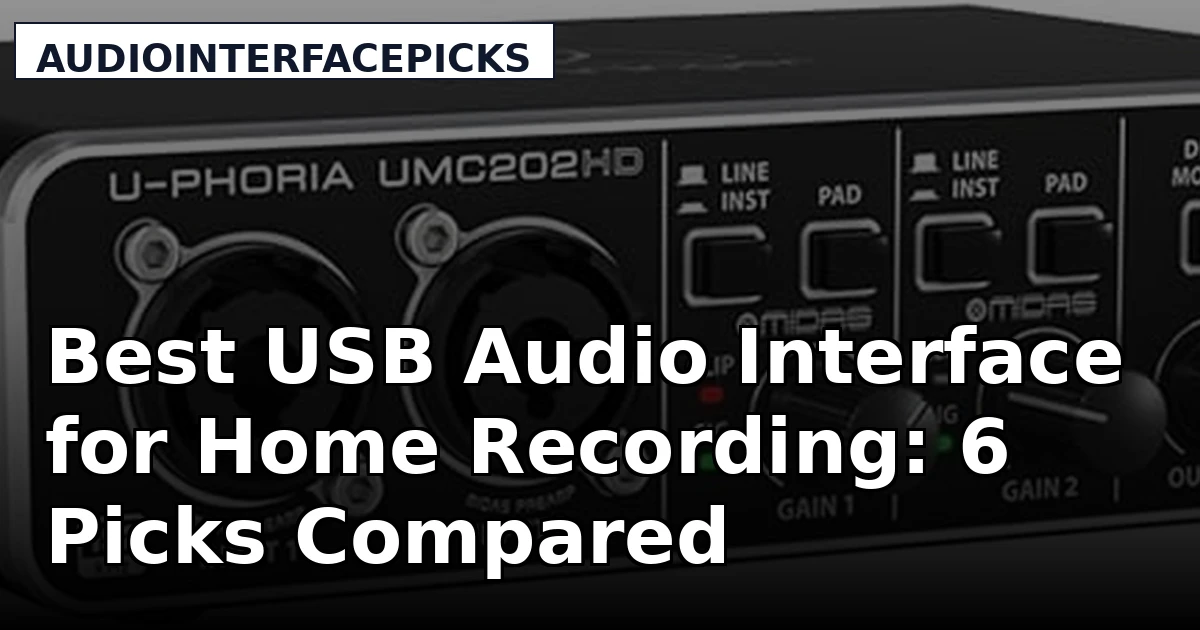
Picking a USB audio interface for home recording is mostly a math problem about inputs and a listening problem about preamps. Buy too few inputs and you are swapping cables mid-session; buy too many and you are paying for channels that sit empty. The six products below cover the range most home studios actually live in: two-input boxes with real mic preamps, an 18x20 interface with ADAT expansion, a streaming-first DSP mixer, and a mixing book that helps you get more out of any of them. None of this is a magic upgrade. The interface sets your ceiling for noise floor and headroom. The rest is the performance, the room, and how you set gain.
Related: How to Set Gain Staging on a Budget Interface
Quick answer
The Mackie Audio Interface, Onyx Producer 2X2 USB Audio Interface with MIDI (Onyx Producer 2-2) is the strongest fit for a small home studio tracking one or two sources at a time because it pairs two inputs with Onyx mic preamps and adds five-pin MIDI I/O for keyboard and controller work. Choose the Elgato Wave XLR MK.2 USB Audio Interface and DSP Mixer instead when your work is streaming and single-mic voice content rather than multitrack recording.
USB audio interfaces worth comparing
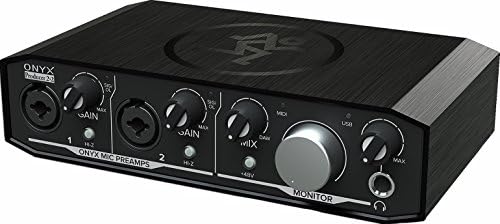
Mackie Audio Interface, Onyx Producer 2X2 USB Audio Interface with MIDI (Onyx Producer 2-2)
A two-input, two-output USB interface built around Onyx mic preamps, with five-pin MIDI I/O for keyboards and controllers. Aimed at recording microphones and instruments in a small setup.
Visit on Amazon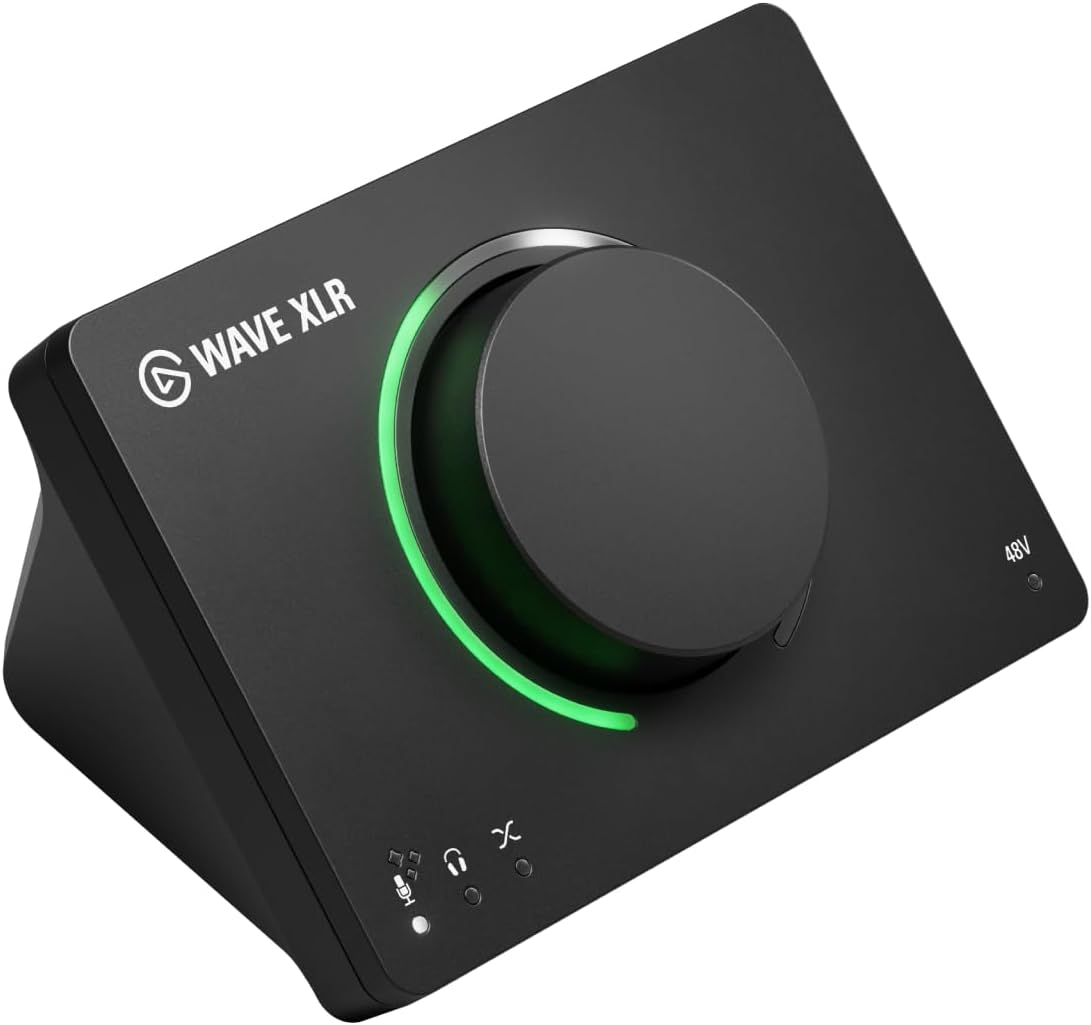
Elgato Wave XLR MK.2 USB Audio Interface and DSP Mixer
A USB audio interface that doubles as a DSP mixer, designed around a single-mic streaming and voice workflow rather than tracking a band.
Visit on Amazon
Behringer UMC202HD Audiophile 2x2, 24-Bit/192 kHz USB Audio Interface with Midas Mic Preamplifiers | For Recording Microphones and Instruments
Check current Amazon price
A 2x2 interface with Midas mic preamplifiers and 24-bit/192 kHz conversion, intended for recording microphones and instruments on a tight budget.
Visit on Amazon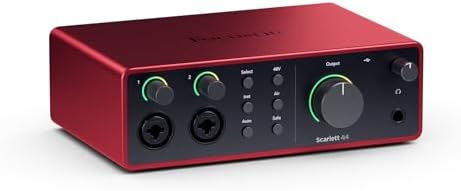
Behringer UMC1820 Audiophile 18x20 USB Audio/MIDI Interface with Midas Mic Preamplifiers and ADAT I/O | For Recording Microphones and Instruments
An 18x20 USB audio and MIDI interface with Midas mic preamplifiers and ADAT I/O, aimed at setups that need many channels at once and room to expand.
Visit on Amazon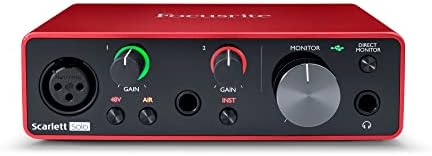
MAONO PS22 Lite USB Audio Interface for PC for Guitar & Vocals Streaming
A compact USB interface for PC built for guitar and vocal capture during streaming, with a simple input path rather than a full studio feature set.
Visit on Amazon
Step By Step Mixing: How to Create Great Mixes Using Only 5 Plug-ins
A book on building mixes with a deliberately small plug-in count, useful for the stage that comes after the interface and the microphones.
Visit on AmazonPrices and availability may change. Check the retailer for current details.
How these products were compared
This guide compares documented specifications and stated use cases: input and output count, preamp design as described by the manufacturer, conversion and sample rate where listed, connectivity such as MIDI and ADAT, and the workflow each product is built for. Product names, images, and retailer links are matched to the same product record so that every card points to the item shown.
Nothing here is presented as a measured lab result, and no current price is printed. Use the retailer link on each card to confirm price and availability, and treat the manufacturer's own documentation as the authority on power, driver support, and system requirements.
How to choose the right USB audio interface
Start with a hard input count. If you record one voice and one guitar at a time, two inputs cover it, which is why the 2x2 class is the default starting point for a home setup. If you track drums or a full band, count the channels you need simultaneously, then check whether the interface offers digital expansion. ADAT input is the least expensive way to add eight more channels later without replacing the box you already own, which is the main argument for the 18x20 model in this roundup.
Preamps matter more than the headline spec. Two interfaces with identical conversion numbers can behave differently when you push gain for a dynamic mic on a quiet source, so look at the preamp design and the available gain range before you look at the highest advertised sample rate. Sample rate is mostly a checkbox: 24-bit recording at 44.1 or 48 kHz covers music and voice work, and higher rates cost more CPU and disk space without fixing a bad room or a bad performance.
Drivers decide whether an interface is pleasant or miserable day to day. A boring driver that remembers your settings between reboots is worth more than a slightly better converter, and reported round-trip latency depends on the driver stack plus your buffer setting rather than the chip alone. Before buying, confirm that the maker ships current drivers for your operating system and that the interface has the monitoring and routing you need. If your tracks sound thin or noisy before you touch a fader, the fix is usually gain staging rather than new hardware, and our guide to setting gain staging on a budget interface walks through that setup step by step.
Mackie Audio Interface, Onyx Producer 2X2 USB Audio Interface with MIDI (Onyx Producer 2-2)
The Mackie Onyx Producer 2X2 is a two-input, two-output USB interface built around Onyx mic preamps, with five-pin MIDI input and output on the back for keyboards, controllers, and outboard MIDI gear. That combination is what makes it the top pick here: it covers the standard singer-songwriter or voice-and-guitar session, and it removes the extra USB-to-MIDI adapter that most two-input interfaces leave you to buy separately. The stated purpose is recording microphones and instruments, which is exactly the work a small home studio does most often.
The trade-off is channel count. Two inputs fill up fast if you want to track a drum kit, a full band, or even a stereo pair plus a scratch vocal at the same time, and there is no digital expansion path to add eight more channels later. There is also no onboard DSP mixer, so any processing you want happens in your DAW rather than in the interface. If those limits matter to you, the decision moves to the 18x20 model below rather than to a different flavor of two-input box.
Alternatives to consider
The Elgato Wave XLR MK.2 USB Audio Interface and DSP Mixer is better suited to streaming and single-mic voice work, where the built-in DSP mixer and a streamlined input path matter more than a second preamp, while the Behringer UMC202HD Audiophile 2x2 is a stronger fit when you want two Midas mic preamplifiers and 24-bit/192 kHz conversion at the entry end of the market.
The Behringer UMC1820 Audiophile 18x20, MAONO PS22 Lite USB Audio Interface for PC, and Step By Step Mixing cover the other ends of the range: an 18x20 interface with Midas preamps and ADAT I/O for channel-hungry sessions, a compact PC interface aimed at guitar and vocal streaming, and a book on mixing with a deliberately small plug-in set for the part that comes after tracking.
Day-to-day use and maintenance
Set input gain so your loudest take peaks with headroom rather than sitting at the top of the meter, then leave the knob alone for the rest of the session. Constantly riding gain between takes is how you end up with tracks that need heavy repair later. Phantom power is only for microphones that require it, which generally means condensers. Some ribbon microphones should not be used with phantom power engaged, so check the microphone documentation before you flip the switch.
Keep the interface on a stable USB port and avoid unpowered hubs where you can, because a port that drops under load is the most common cause of a session-ending glitch. Update drivers from the manufacturer's own page rather than a third-party download site, and note your buffer and sample rate settings before a major system update so you can restore them quickly if something resets.
Care is simple. Dust the gain and headphone knobs with the unit unplugged, keep drinks off the desk above it, and avoid leaving it in direct sun or on a surface that traps heat. If a headphone jack starts crackling at low volume or a knob gets scratchy, that is usually the first sign of wear on a part that is not user-serviceable, so treat it as a warning rather than something to live with.
Buying checklist
- Count the inputs you need at the same time, then add one spare.
- Check the preamp design and gain range instead of the highest advertised sample rate.
- Confirm that the exact model includes the connectivity you need, such as MIDI I/O or ADAT input.
- Verify driver support and update history for your operating system.
- Decide whether you need an onboard DSP mixer or whether your DAW handles that job.
- Verify the current retailer price, availability, and return terms before you buy.
Final recommendation
Choose the Mackie Audio Interface, Onyx Producer 2X2 USB Audio Interface with MIDI (Onyx Producer 2-2) when you record one or two sources at a time and want Onyx preamps plus MIDI I/O in a single box without adding adapters. Choose the Elgato Wave XLR MK.2 USB Audio Interface and DSP Mixer when your work is streaming and single-mic voice content rather than multitrack recording. Choose the Behringer UMC1820 Audiophile 18x20 when you need many simultaneous inputs and want ADAT expansion available later, and the Behringer UMC202HD Audiophile 2x2 when two Midas preamps at the entry end of the market is the right call for your budget.
If your recordings still sound small after the interface is set up correctly, the next purchase is probably not another box. It is time spent on gain staging, mic placement, and mixing, which is where the Step By Step Mixing title earns its place on this list.