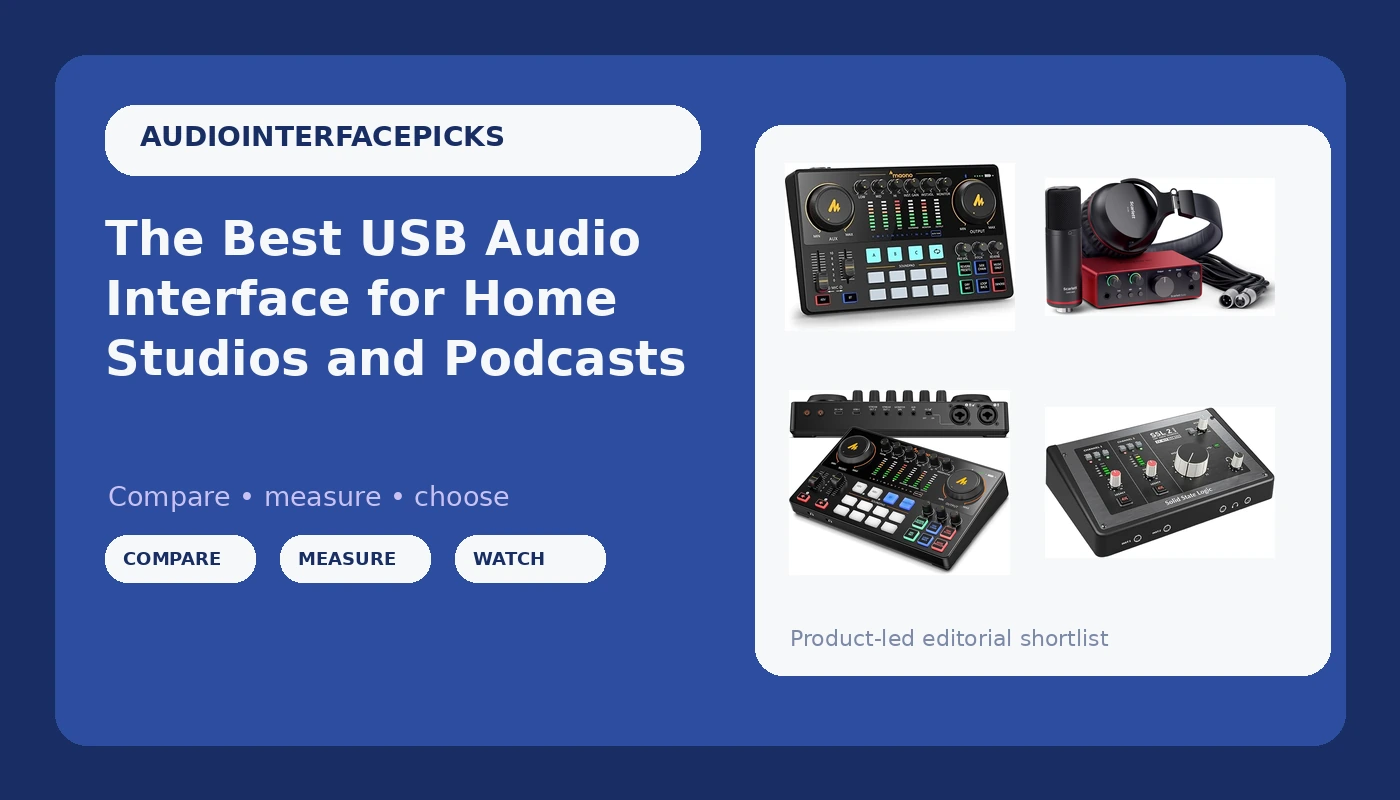
Choosing a USB audio interface comes down to the way you actually record, not the number on the box. A podcaster needs clean gain on a dynamic microphone and routing that lets a guest hear everyone except themselves. A singer-songwriter needs a preamp that stays quiet when the knob is pushed and a headphone amp that can drive real cans. A streamer needs controls within reach during a live show, not buried three menus deep. The six interfaces below cover those jobs at very different price points, and this guide walks through what separates them so you can match one to your setup instead of to the loudest marketing claim on the page.
Related: How to Set Gain Levels on a USB Audio Interface
Quick answer
The Solid State Logic SSL 2 MKII - 2x2 USB Audio Interface is the strongest fit for a small home studio or a serious podcast rig because it gives you two inputs and two outputs in a compact USB-C box from a company whose large-format consoles are a reference point for working engineers. Choose the Focusrite Scarlett Solo Studio 4th Gen USB-C Audio Interface Bundle instead when you would rather buy your first setup as one package, or the Shure MVX2U Gen 2 XLR-to-USB-C Audio Interface when you already own an XLR microphone and just need a clean path into your computer.
USB audio interfaces worth comparing
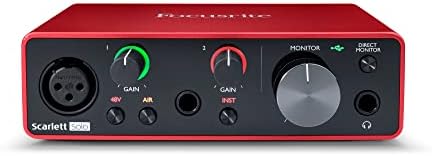
Solid State Logic SSL 2 MKII - 2x2 USB Audio Interface
Check current Amazon price
A two-in, two-out USB-C interface from a company best known for large-format recording consoles, sized for a desktop studio where the preamps and the monitor section matter more than channel count.
Visit on Amazon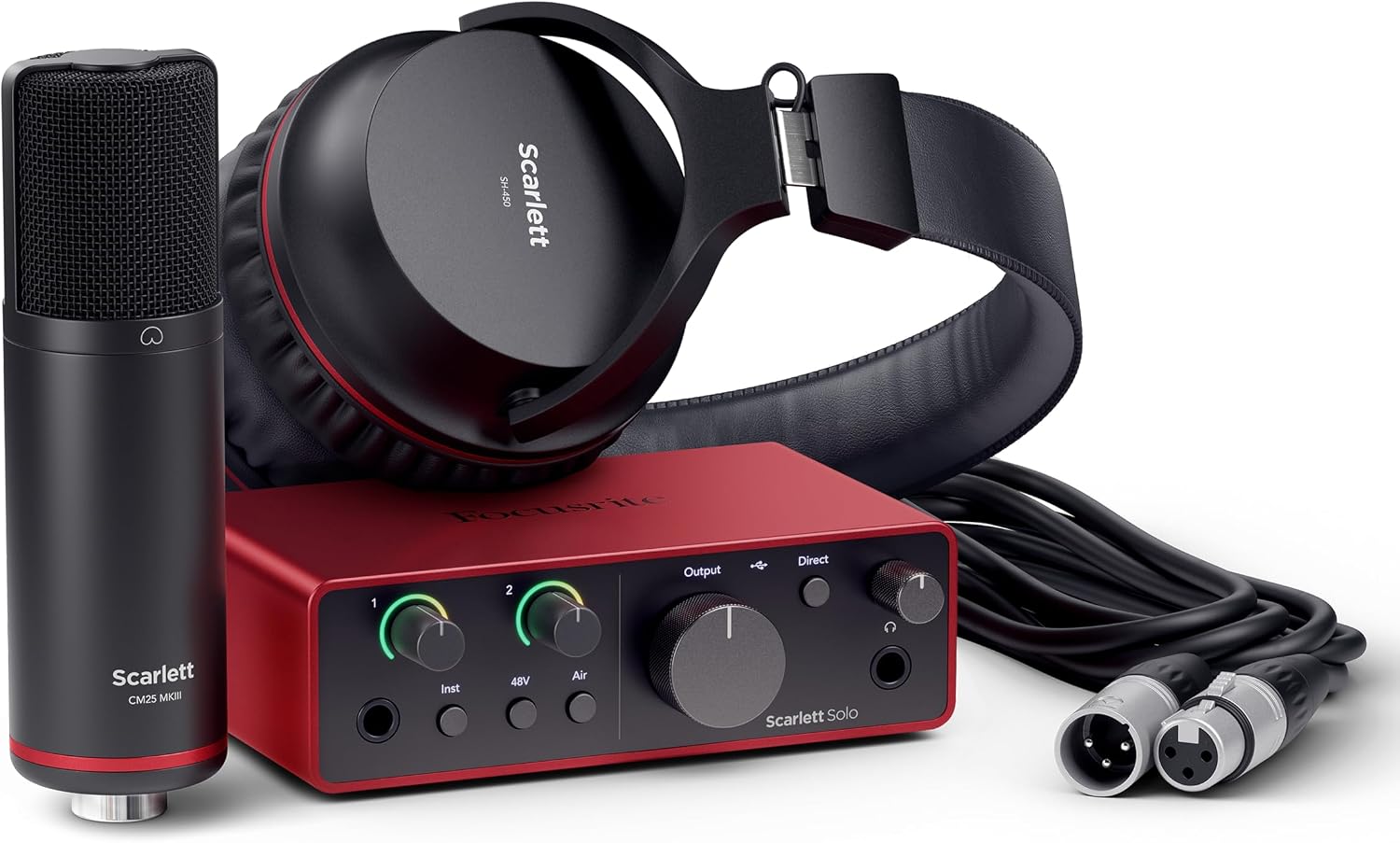
Focusrite Scarlett Solo Studio 4th Gen USB-C Audio Interface Bundle
A studio bundle built around a fourth-generation USB-C interface, aimed at buyers who would rather assemble a first recording setup in one purchase than shop part by part.
Visit on Amazon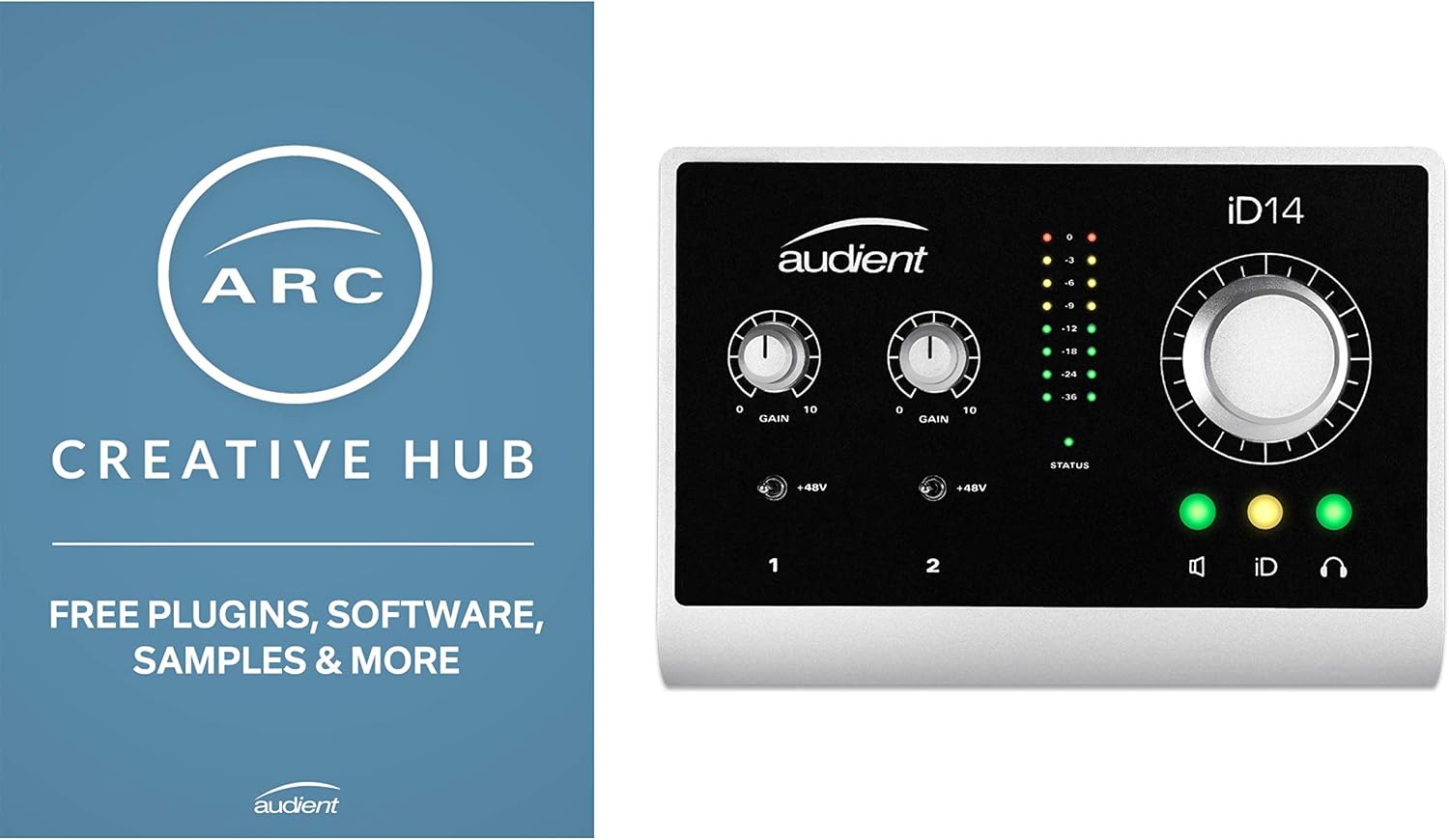
Shure MVX2U Gen 2 XLR-to-USB-C Audio Interface
Check current Amazon price
An XLR-to-USB-C interface for anyone who already owns a microphone and wants to connect it straight to a computer without adding a mixer or a rack to the desk.
Visit on Amazon
MAONO AME2 Audio Interface Mixer, Podcast Studio Console with XLR Input
A podcast console with an XLR input and physical controls on the top panel, built for shows that want buttons and faders in front of them instead of software-only routing.
Visit on Amazon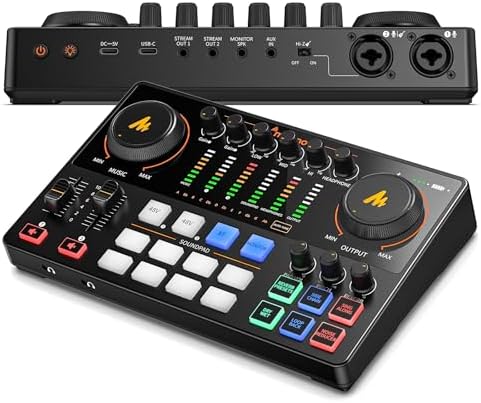
MAONO E2 Gen2 Podcast Equipment Bundle Audio Interface Mixer
A podcast bundle that pairs a mixer-style interface with the rest of a starter kit, for hosts who would rather buy one package than build a signal chain one piece at a time.
Visit on Amazon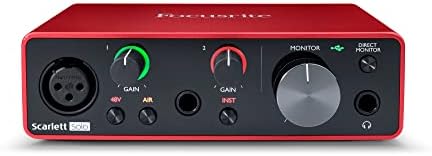
FIFINE SC8 Gaming Audio Mixer for Live Streaming with 7.1ch Surround sound
A streaming and gaming mixer with 7.1 channel surround sound, aimed at live broadcasters who want positional audio and quick level control during a show.
Visit on AmazonPrices and availability may change. Check the retailer for current details.
How these products were compared
This guide compares input and output count, connection type, intended use, control layout, and what arrives in the box. Product names, images, and retailer links are matched by product code so that every card points to the exact item shown.
Nothing here is presented as a lab measurement or a bench test. The differences described are the ones you can confirm from the product listing and from how each unit is meant to be used: a single-input adapter is not a two-input studio box, and a streaming mixer is not a tracking interface with a monitor section. That distinction matters more than any single spec, because the wrong category of device will frustrate you long before its preamps become the limiting factor.
How to choose the right USB audio interface
Start with the number of inputs you genuinely need on an average session, not the biggest session you can imagine. Two inputs cover a solo host plus a guest, or a vocalist plus a guitar, which is where most home work lives. If your plan involves tracking a drum kit, the interface is the wrong place to solve that problem, and you will spend the money better on a multi-channel unit later once the room and the microphones justify it.
Then decide whether you want a traditional interface or a console-style mixer. A conventional two-in, two-out box gives you a gain knob, a monitor level, and a headphone output, and it stays out of the way. A mixer-style unit gives you physical controls, mute buttons, and routing you can reach during a live show. Podcasters who record with a co-host in the same room tend to prefer the second layout, because reaching for a fader mid-sentence is faster than reaching for a mouse. If you are weighing those two approaches, our guide to gain staging walks through the levels side of it.
Connection type is the next filter. USB-C is now the default on current models, and it is worth confirming that the exact model you are looking at ships with the cable and the connector your computer actually offers. A desktop with only USB-A ports is not a dealbreaker, but you will want the right cable on hand before the interface arrives.
Finally, think about the microphone you already own. A dynamic broadcast mic needs more clean gain than a condenser, and a condenser needs phantom power. If you record on a laptop with a single crowded port, phantom power draw is worth a moment of thought, because a hungry condenser on a marginal port is a gamble you do not want to take in the middle of a take. The headphone amp deserves the same scrutiny: high-impedance headphones need an output that can drive them without thinning out.
Solid State Logic SSL 2 MKII
The Solid State Logic SSL 2 MKII - 2x2 USB Audio Interface is the pick here for a reason that has little to do with a feature list. Two inputs and two outputs is the correct shape for a home studio, and SSL builds this one for people who care about the front end, which is the part of the signal chain you cannot fix later with a plugin. The company's reputation was built on large-format consoles, and this interface is the entry point to that lineage rather than a repackaged budget design.
The trade-off is straightforward. You are paying for preamps and build rather than for channel count, bundled software, or a control surface full of buttons. If your show depends on muting a guest with a physical button while you talk, this is not the layout for you, and a console-style unit will serve you better. If your priority is a clean, quiet front end for one or two microphones with a monitor section you can trust, the SSL 2 MKII is where the money should go. It is also the unit in this group that a working engineer would be least surprised to find in a project studio.
Alternatives to consider
The Focusrite Scarlett Solo Studio 4th Gen USB-C Audio Interface Bundle is better suited to a first setup bought in one order, where the interface arrives alongside the rest of the gear a new recordist needs. The Shure MVX2U Gen 2 XLR-to-USB-C Audio Interface is a stronger fit when you already own a microphone you like and want the shortest possible path from that mic to your computer, without a mixer taking up desk space.
The MAONO AME2 Audio Interface Mixer, MAONO E2 Gen2 Podcast Equipment Bundle, and FIFINE SC8 Gaming Audio Mixer cover the rest of the field. The AME2 is the console-style option for podcasters who want an XLR input and physical controls in front of them. The E2 Gen2 takes the same idea and packages it as a bundle for hosts starting from nothing. The SC8 sits in a different lane entirely, built for live streaming and gaming with 7.1 channel surround sound rather than for studio tracking.
Day-to-day use and maintenance
Most interface problems are gain problems. Set the input level so the meter kisses yellow on the loudest passage rather than running into the red, and leave headroom for the person who suddenly laughs. If you record spoken word, aim for peaks well below clipping and raise the level later in your software, where you have undo. This one habit solves more recordings than any upgrade will.
Driver settings are the second thing to check. Confirm your computer is using the manufacturer's driver rather than a generic one, and verify that your sample rate and buffer size are set where you want them before you start a session, not after. A buffer that is too small produces dropouts; one that is too large produces latency you can feel while playing. Most people land somewhere in the middle and never think about it again. If your settings reset on reboot, that is a driver issue worth solving rather than a quirk to live with.
On the physical side, keep the interface out of the path of spilled drinks and off the floor where cables get yanked. Strain relief matters: a cable pulled sideways out of a jack is how headphone outputs start to crackle. Coil cables loosely when you travel, and give phantom power a moment to discharge before you unplug a condenser. If a channel goes quiet, check the cable and the phantom power setting before you assume the interface has failed.
Buying checklist
- Measure your desk space and confirm the cable reach to your microphone before you commit.
- Choose input count based on normal use rather than an occasional edge case.
- Confirm that the exact model includes the connection type and cable your computer needs.
- Check whether phantom power is available for the microphone you own.
- Read the setup and maintenance instructions.
- Verify the current retailer price, availability, and return terms.
Final recommendation
Choose the Solid State Logic SSL 2 MKII - 2x2 USB Audio Interface when you want two good channels, a trustworthy monitor section, and a front end that will still be worth keeping after you upgrade everything else around it. Choose the Shure MVX2U Gen 2 XLR-to-USB-C Audio Interface when you already own a microphone and need the simplest possible connection to your computer, or the Focusrite Scarlett Solo Studio 4th Gen USB-C Audio Interface Bundle when buying a complete first setup in one order is the priority.
If your work is a live show rather than a recording session, the mixer-style options in this group are the ones to look at, and the MAONO AME2 Audio Interface Mixer is the clearest example of that layout. Match the device to the job you do every week, confirm the details on the product page, and the rest of the setup gets much easier to live with.