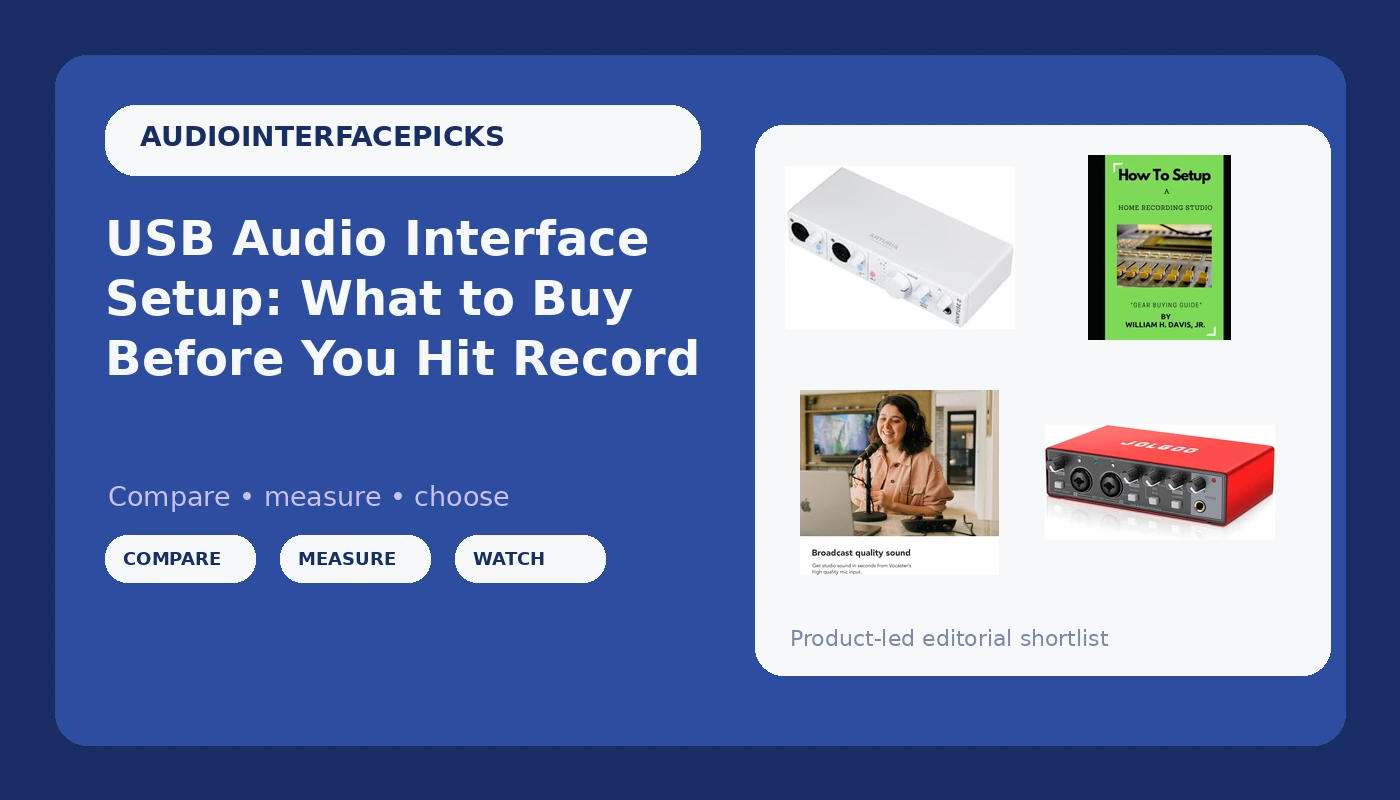
Related: Best Audio Interfaces for a Small Home Studio
I bought my first interface because it was the cheapest box in the store with a knob on it. One input, a headphone jack that crackled below a whisper, and drivers that forgot my buffer setting every time the machine restarted. I recorded an entire EP through it anyway. That is the honest shape of USB audio interface setup: the gear matters less than people believe, right up until it matters enormously.
Ten years later I still run a small room in Nashville that has tracked podcast interviews, singer-songwriters, and the occasional full band. I have owned or borrowed most of what sits under $500, and I keep a drawer of dead units to remind me that specs on a page and behavior in a session are two different things. What follows is the short list I would actually put in front of someone building a first or second setup, plus the reading I make people do before they spend a dime.
Start With the Job, Not the Spec Sheet
The most common mistake is buying inputs you will never plug anything into. A two-person podcast does not need eight preamps. A songwriter tracking guitar and voice does not need eight either. What you need is a small number of clean channels, a headphone output that can drive real headphones, and drivers that do not reset themselves overnight.
Here is the order I would work in. Count the things you will record at the same time. Add one, because the day you want a second microphone you will want it immediately. Then check the boring stuff: does the box supply phantom power for a condenser, does it hold its settings across a reboot, and can the headphone amp push a pair of 250-ohm cans without folding. Those three answers separate a tool from a toy far more reliably than a sample rate printed on the side of the carton.
Then decide what the box is for. There are three honest answers: tracking instruments, recording one voice well, or getting started with whatever you already own. The four picks below cover all three, and they overlap less than the marketing suggests.
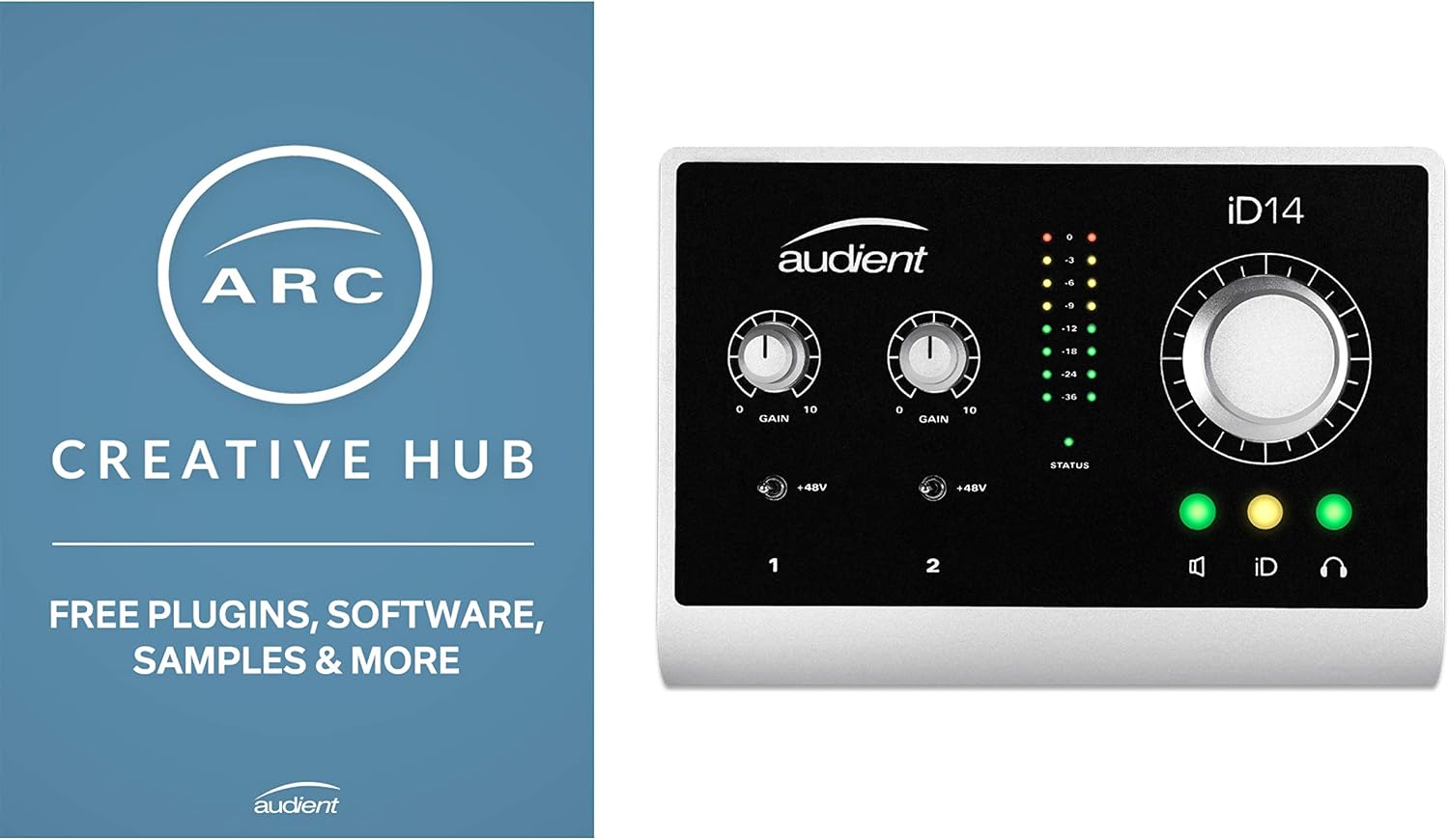
The Two-Input Workhorse: Arturia MiniFuse 2
This is the one I would point a guitarist or a singer-songwriter toward first. The name tells you the important part: it is a USB and MIDI interface in one box, which means a keyboard or a controller plugs straight in without a separate adapter eating a port. For a small desk, that is one less thing to troubleshoot at 11 p.m.
The reason I like this class of interface is that it stops you from overbuying. You get the channels you need for a mic and a DI, you get MIDI, and you get a box that behaves like a piece of gear instead of a dongle. What I would verify before you commit is driver behavior on your specific operating system and how the unit handles phantom power on a laptop port that is already feeding a bus-powered drive. Both of those are real session-killers and neither shows up in a spec chart.
If your plan is guitar in, vocal in, keyboard in, this is where the money should go. Check current Amazon price and compare it against whatever you were about to spend on a bigger box you do not need.
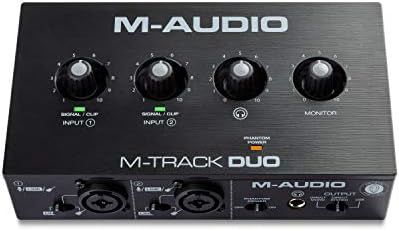
For Solo Voice and Podcasts: Focusrite Vocaster One
Focusrite built the Vocaster line around spoken word, and the single-channel version is the one to look at if you are the only person in the room. That is not a limitation, it is a design decision. A box aimed at a host and a microphone tends to give you easy gain, simple routing, and controls that make sense when you are also trying to run a show.
Where this earns its place is the solo workflow. One microphone, one pair of headphones, one cable to the computer. If your show is you and a guest sitting across the table, be honest about it and step up in channel count, because trying to squeeze two voices into one input is how people end up with a mix that sounds like a phone call from 2004.
The podcast-specific habit worth learning here is mix-minus. A guest needs to hear everything except themselves. Whatever interface you land on, if it cannot do that routing cleanly, your show will suffer for it every single episode. Check current Amazon price and confirm the routing situation before you buy.
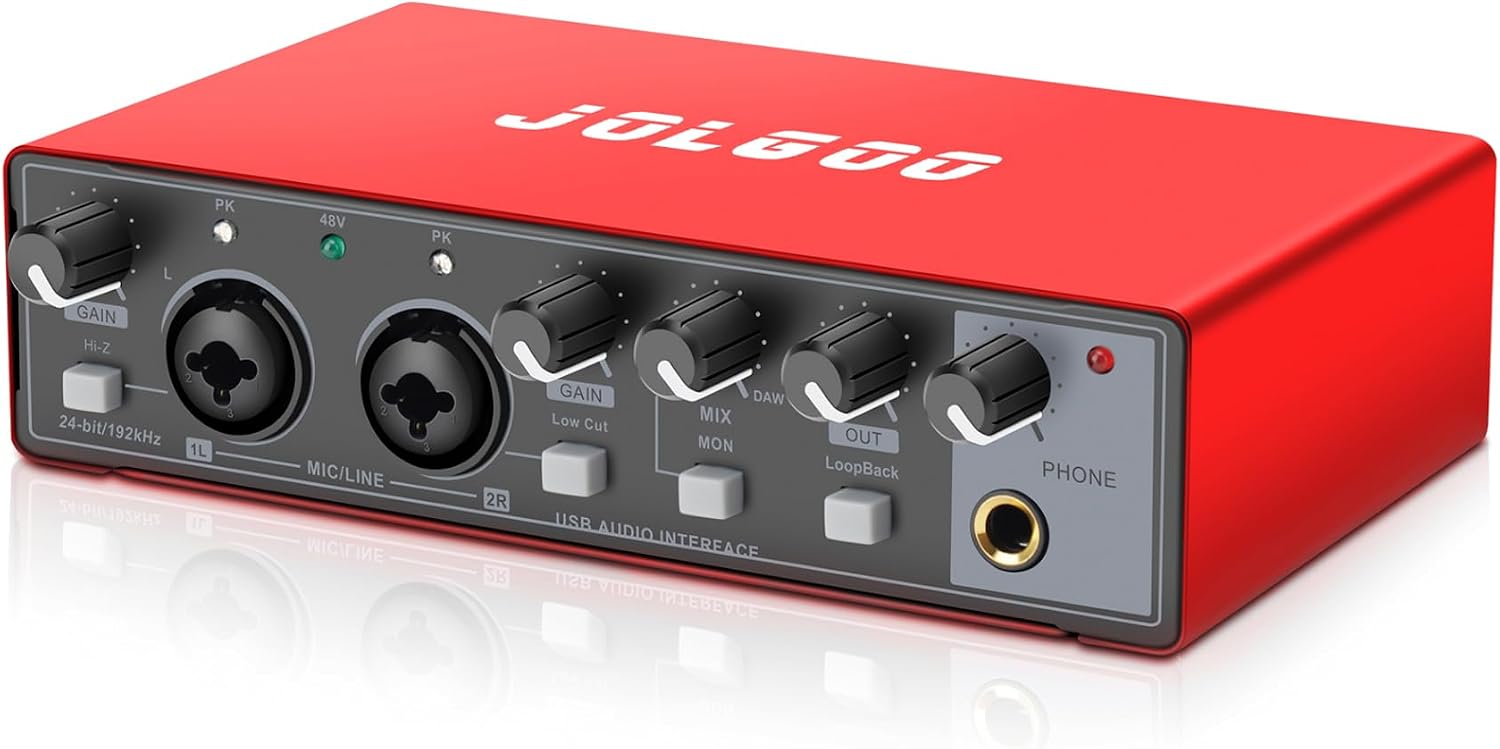
The Cheap Box That Actually Works: Red USB Audio Interface
Not everyone needs to spend real money on their first box, and pretending otherwise is how beginners quit. This is a 24-bit, 192 kHz, plug and play recording sound card, and for a lot of people it is genuinely enough: a first setup, a second station in another room, a travel rig you do not mind losing, or a way to find out whether you actually enjoy recording before you commit to a budget.
The honest caveats matter more here than anywhere else on this list. Budget interfaces live and die by their drivers, and Windows is where that gets tested. Plan on installing the manufacturer's driver rather than trusting plug and play forever, and plan on learning where your buffer setting lives, because latency is a driver story, not a chip story.
What you are buying is access. You get to learn gain staging, mic placement, and how to hear the difference between a good take and a loud one. Those skills transfer to every interface you ever own. Check current Amazon price, and if the number is as low as it usually is, this is a low-risk way to start.
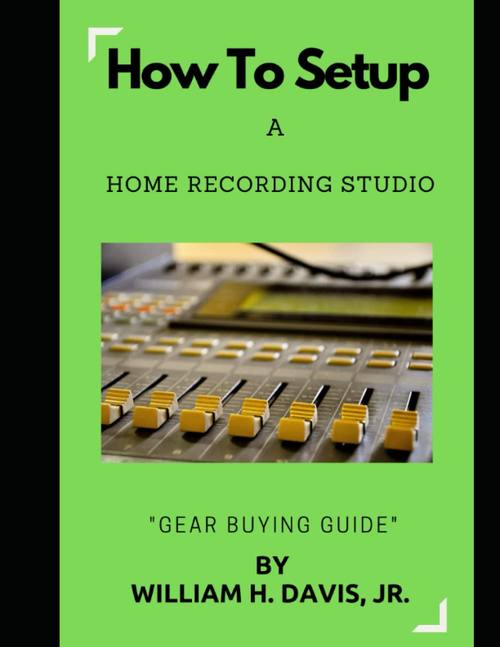
The Book That Pays for Itself: How to Setup a Home Recording Studio
This is a gear buying guide, and I am recommending it for the same reason I recommend measuring twice: the cheapest purchase in this hobby is the one you do not make. Most people who quit a home studio quit because they bought in the wrong order, not because they bought bad gear.
Read it before you buy an interface, not after. The order of operations in a small room goes roughly room, microphone, monitoring, interface, and almost everyone does it backwards. Getting that sequence straight in your head will save you more than the book costs. Check current Amazon price and treat it as the cheapest part of the build.
How I Evaluate an Interface Before I Recommend It
Four questions, every time. First, do the preamps stay clean when you push gain up? Two interfaces with identical published specs can sound completely different at three o'clock on the dial, and the only way to know is to listen against a quiet source. I use a ribbon mic for this because it demands gain and exposes noise.
Second, what is the round-trip latency on a mid-range laptop with plugins loaded? Under 10 ms feels fine, under 5 ms feels invisible, and anything above that makes you play differently whether you notice it or not. This is a driver question. A great converter with lazy drivers is a paperweight.
Third, does the headphone amp drive high-impedance cans without clipping or collapsing? The headphone amp is the spec nobody reads until it fails, and then it becomes the only spec that matters.
Fourth, would I track a paying client through it? If the answer is no, I say so, even when the box is popular.
What Actually Changes the Sound
The interface is about ten percent of what you hear. I say that as someone who loves interfaces. The preamp, the microphone, the room, and the performance are the other ninety, and in that order. A great interface in a bad room through a cheap mic will lose to a mediocre interface in a treated corner with a decent dynamic mic every single time.
So buy for reliability, not for a sonic miracle. Buy the box that boots correctly, holds its settings, and does not crackle when you turn the headphone knob. Then spend your remaining energy on placement, gain staging, and playing the part twice more than you wanted to.
Interfaces and setup picks at a glance
| Product | Best for | What it gives you | Notes |
|---|---|---|---|
 Visit on Amazon → Visit on Amazon →Arturia MiniFuse 2 |
Guitar, keys, and one voice | USB and MIDI in a single box | Verify driver behavior on your OS |
 Visit on Amazon → Visit on Amazon →Focusrite Vocaster One |
Solo podcast and voiceover | A workflow built around one microphone | Two voices means stepping up in channels |
 Visit on Amazon → Visit on Amazon →Red USB Audio Interface |
First setup and backup rigs | 24-bit, 192 kHz, plug and play recording | Install the real driver, do not rely on luck |
 Visit on Amazon → Visit on Amazon →How to Setup a Home Recording Studio |
Buying in the right order | A gear buying guide, not a manual | Read before you spend, not after |
Buy the piece that solves the problem in front of you. The rest is a shopping list, and shopping lists do not make records.
Should you buy the Arturia MiniFuse 2?
Yes, if you record instruments and a voice at the same desk. The MIDI side is the difference between a keyboard that works and a keyboard that needs another adapter, and the box is sized so you are not paying for channels you will never use. Just confirm the driver situation on your machine before you commit, because drivers are what you live with after the unboxing glow wears off.
Should you buy the Focusrite Vocaster One?
Yes, if you are one person with one microphone. It is aimed at spoken word rather than at a band, and that focus shows up in how quickly you get to a usable level and how little you have to think about routing mid-episode. If a co-host is part of the plan, buy for that now instead of upgrading later.
Should you buy the Red USB Audio Interface?
Yes, if this is your first box or your second station. It gets you recording, it teaches you the skills that matter, and it costs little enough that finding out you prefer playing guitar to engineering guitar is not a disaster. Go in knowing that you will have to learn your driver settings, and you will be fine.
Should you buy the book?
Yes, and before the interface. Reading it first is the only purchase on this list that can talk you out of a worse purchase, which makes it the highest-return item here.